s3 Bucket
What is the Amazon s3 Bucket?
The Amazon s3 bucket is simply a place to store images and PDFs. Once those images and PDFs have been uploaded, we can get links to those files and use them in our websites.
NOTE: Most images and PDFs can be uploaded into WordPress, which is a simpler method, so you may not need to use the Amazon s3 bucket.
How do I access the Amazon s3 bucket?
To login to the Amazon s3 bucket, first go to OneLogin and search for AWS Corp Marketing.
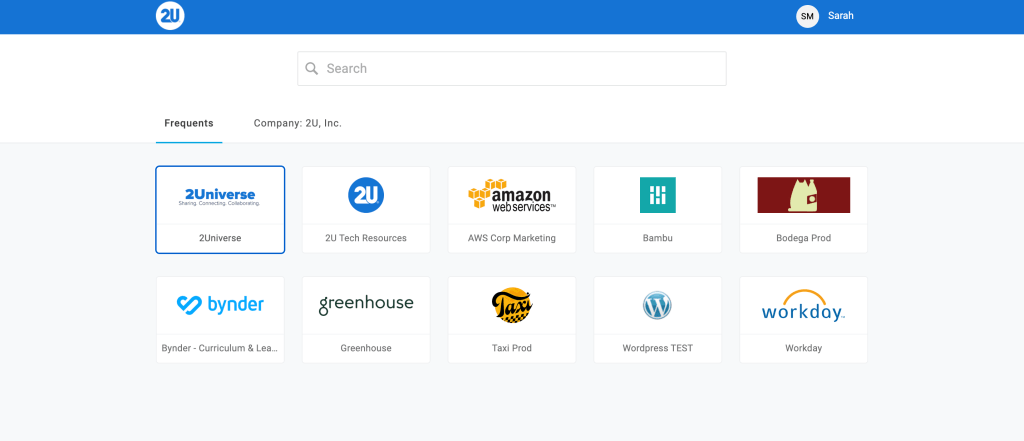
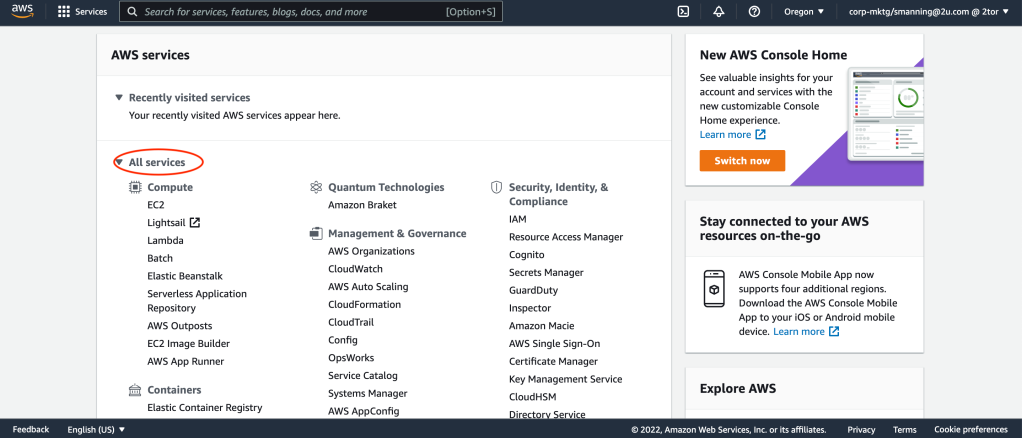
After clicking on this icon, you will be taken to a page titled “AWS Management Console.” You will then want to click on the “All Services” dropdown, then scroll down to the “Storage” heading where you will find “S3.”
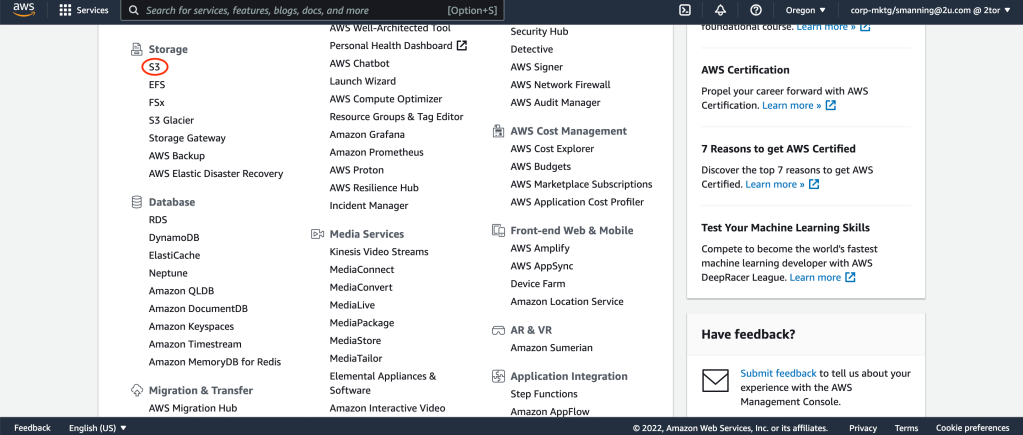
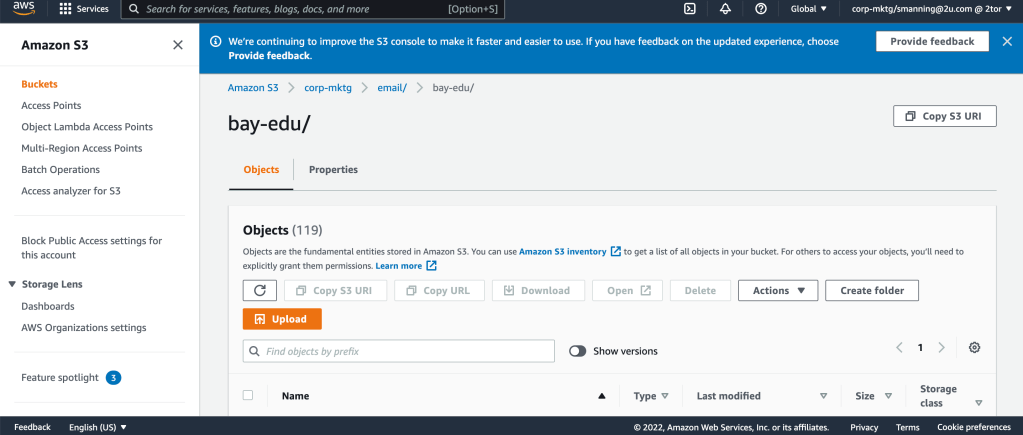
From here, you can navigate to the correct buckets. Follow corp-mktg > email and then type in your program name. Once here, you can go ahead and click upload.
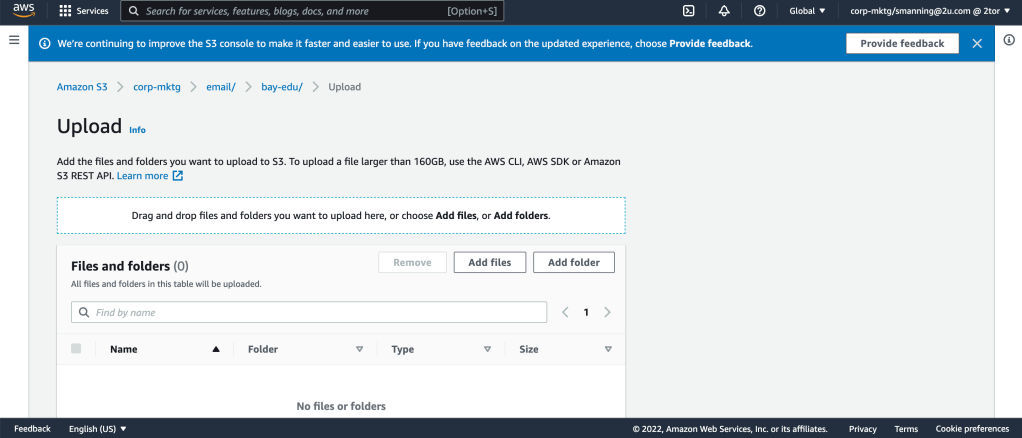
When you click upload, you’ll be taken to this screen. You can either click “Add File” or drag and drop a file from your desktop.
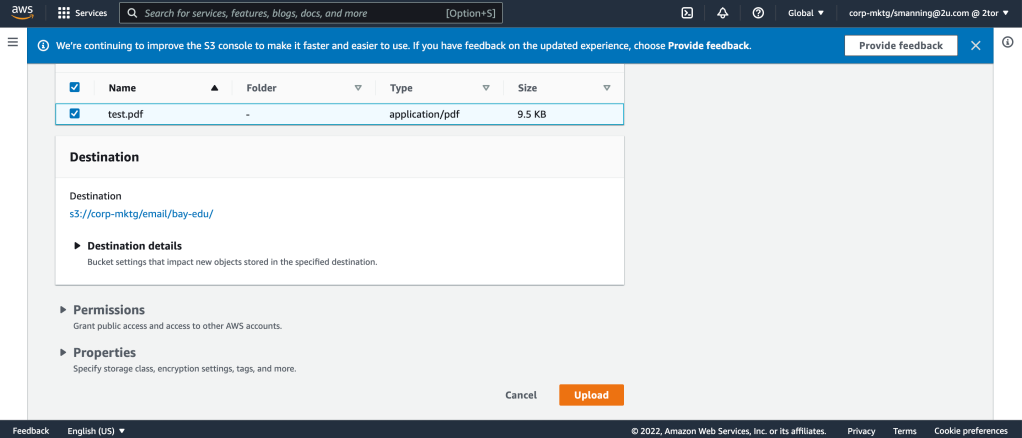
Once you’ve selected your file, click “Upload” again.
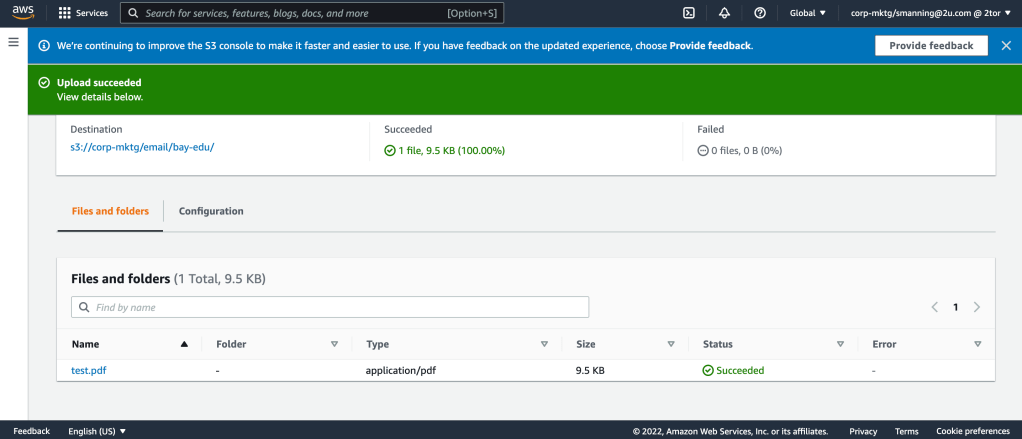
You will then be taken to this page, where you will want to click on the title of your file in blue.
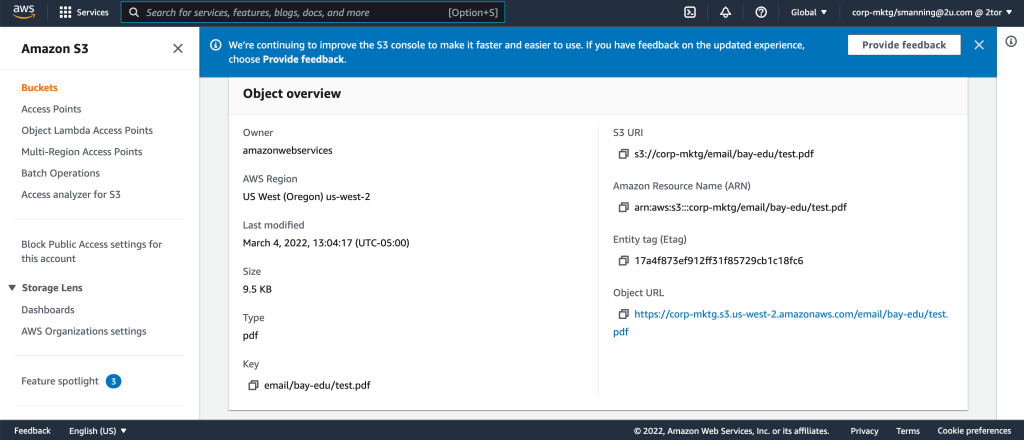
This will take you to another page, where you can now copy the “Object URL” of your file and send it to the appropriate stakeholder.