Social Links Block
The Social Links Block allows you to insert branded social icons to your page. You can select which platforms to use and we have extended this block so that you can adjust the styling of the icons.
Colour Settings
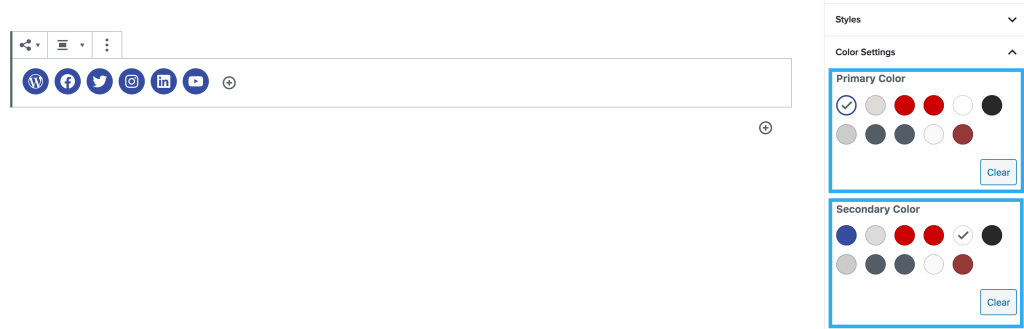
These settings allow you to adjust the primary & secondary colours of the icons.
Primary = Background colour
Secondary = Icon colour
Alignment and Margin Setting
This setting allows you to adjust the alignment of all icons within your block.
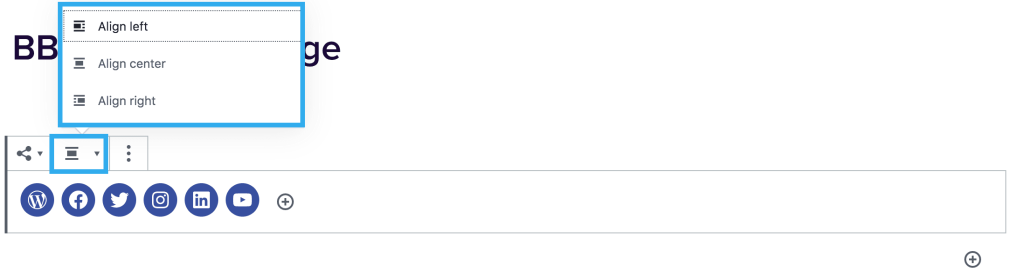
There are also margin settings included on this block that can be independently altered.
Inserting a Link
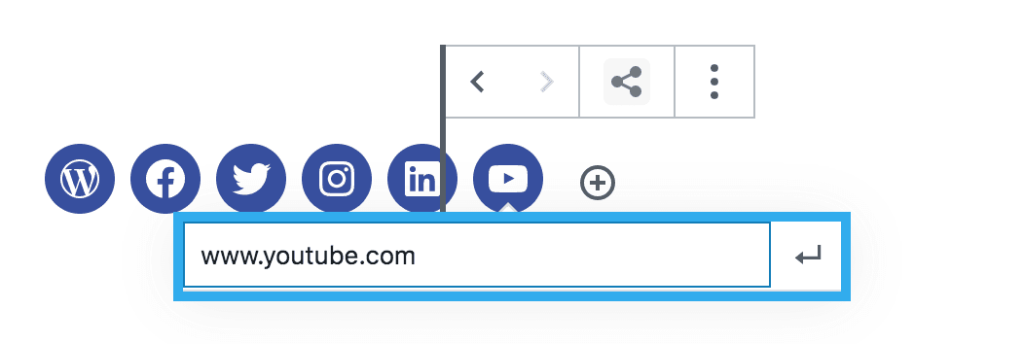
To insert a social link to your icon, you just need to click on each icon and the link field will appear. Type your link and click the enter button for this to save.
Margin settings
The social links block also has the ability to add margins for more than one row of icons.
Size options
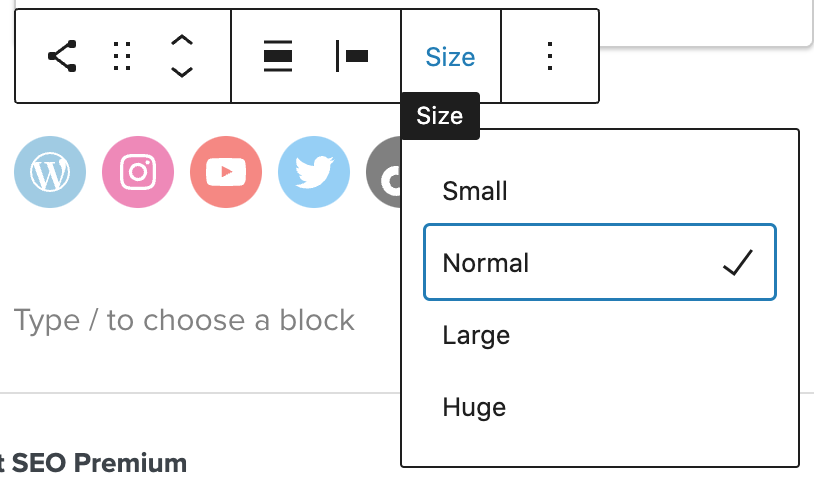
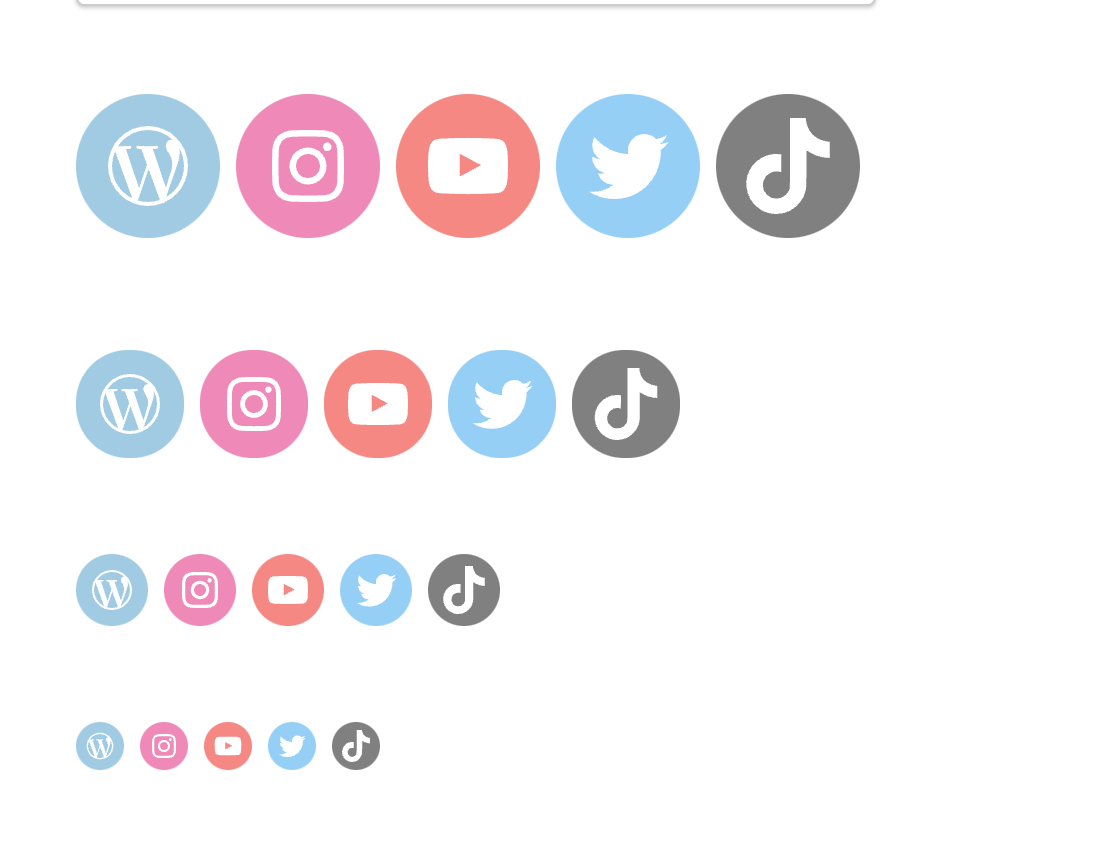
You can customise the size of the social icons choosing from ‘Small,’ ‘Normal,’ ‘Large,’ and ‘Huge.’