


Link Block
The Link block is used to add a link to any block of your choosing.
How to use
To attach a link to a full block you will need to add the specific ‘link block’ first, you can do this by typing /link or searching it in the blocks menu. Once you’ve inserted it onto the page, you will then be able to add your desired link using the options panel, plus if you would like it open in a new tab or not.
Note: the link block may appear to just look like a section block, to check you are on it you can use the ‘block navigation’ option in the top bar.
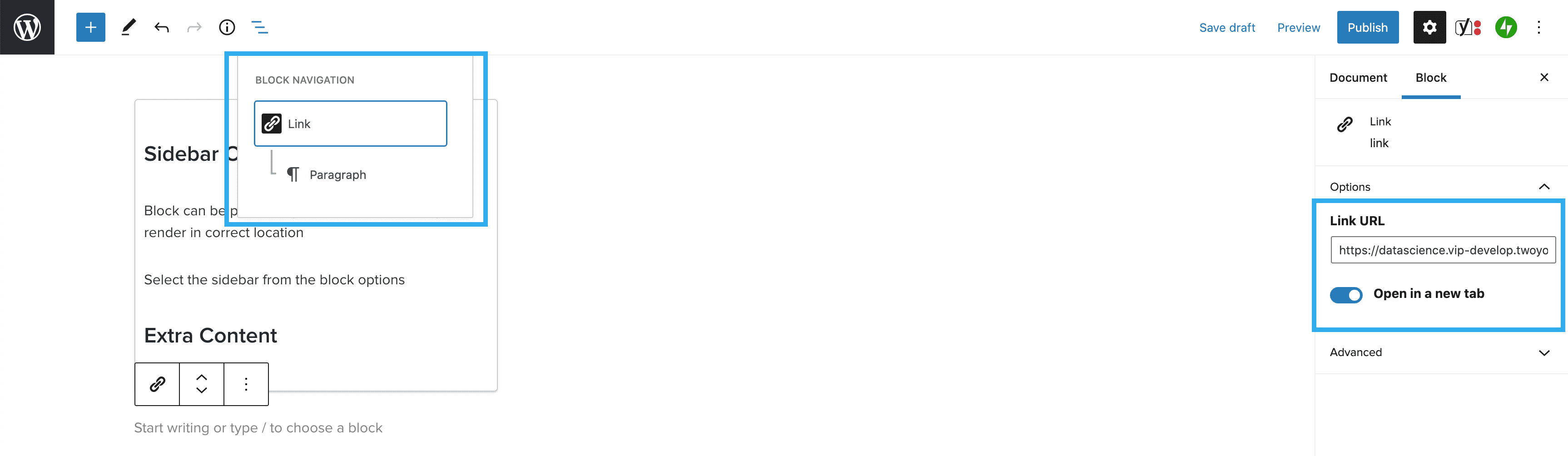
Once the link has been added you can add any block you wish to the link block, which will cause the block to have the link to chose attached to it. The block you choose will work as it usually does. In the example below we have used the heading block:

When the page is previewed or published the block, in this case the heading, will be clickable and will redirect through to your chosen link. You can see a working example of this below: