CTA Block
CTA Headline Content Goes Here
CTA content text goes here but you can use any block here
The CTA Block allows you to constrain your content in a visual banner-like way which encourages visitors to carry out an action or directs them to a specific area.
Background & Content Colour Setting
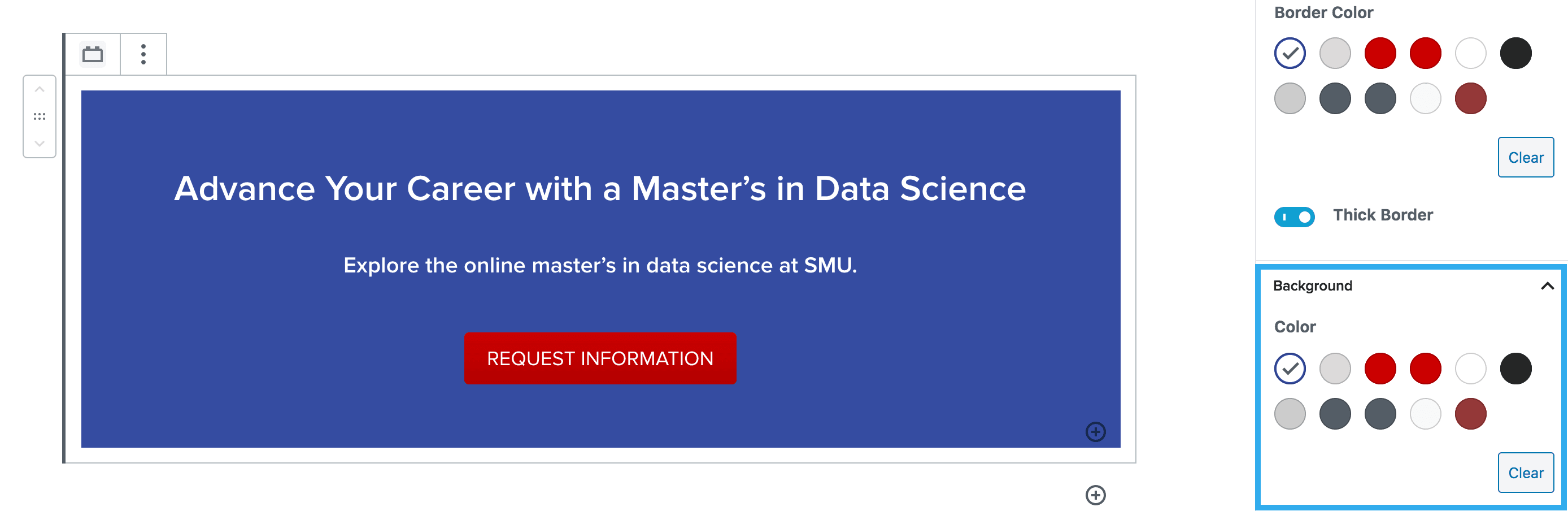
This setting allows you to select the background colour of your CTA.
Border, Colour & Radius Setting
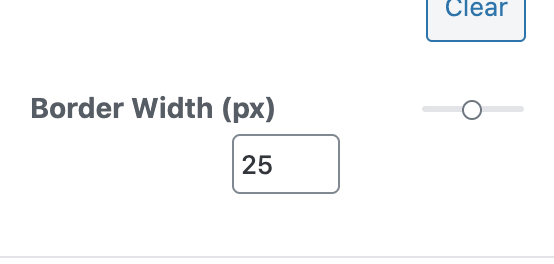
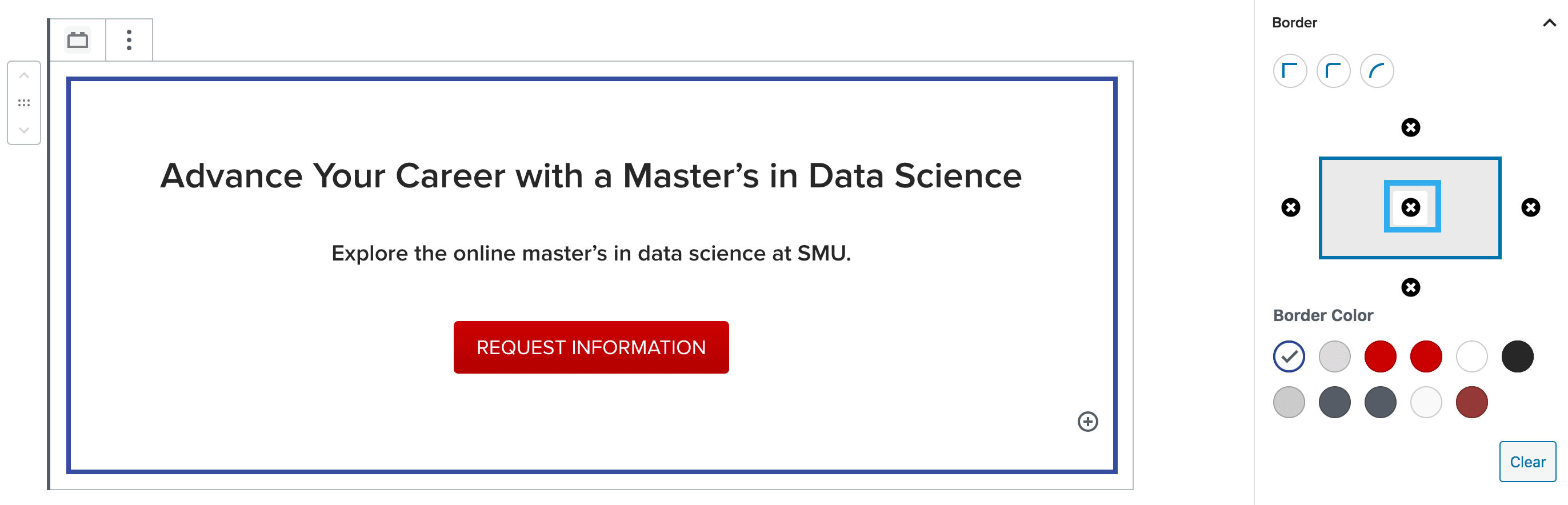
These settings allow you to toggle a border on/off for your CTA. You can also adjust the border radius along with the colour of the border. You can also increase the thickness of the border using the slider. You can choose between 1-50.
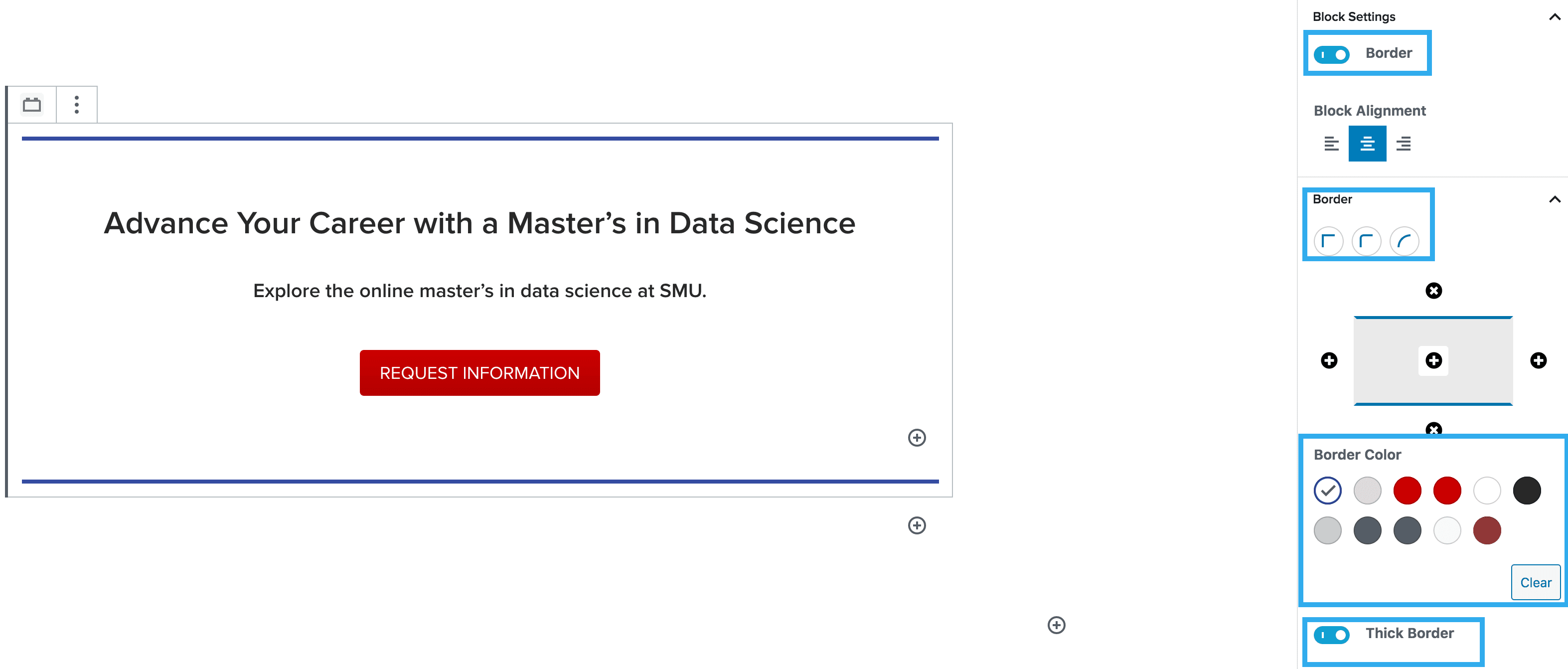
Note: You can apply the border to all sides, by clicking the ‘+’ in the middle of the border component
Padding and Margin Component Settings
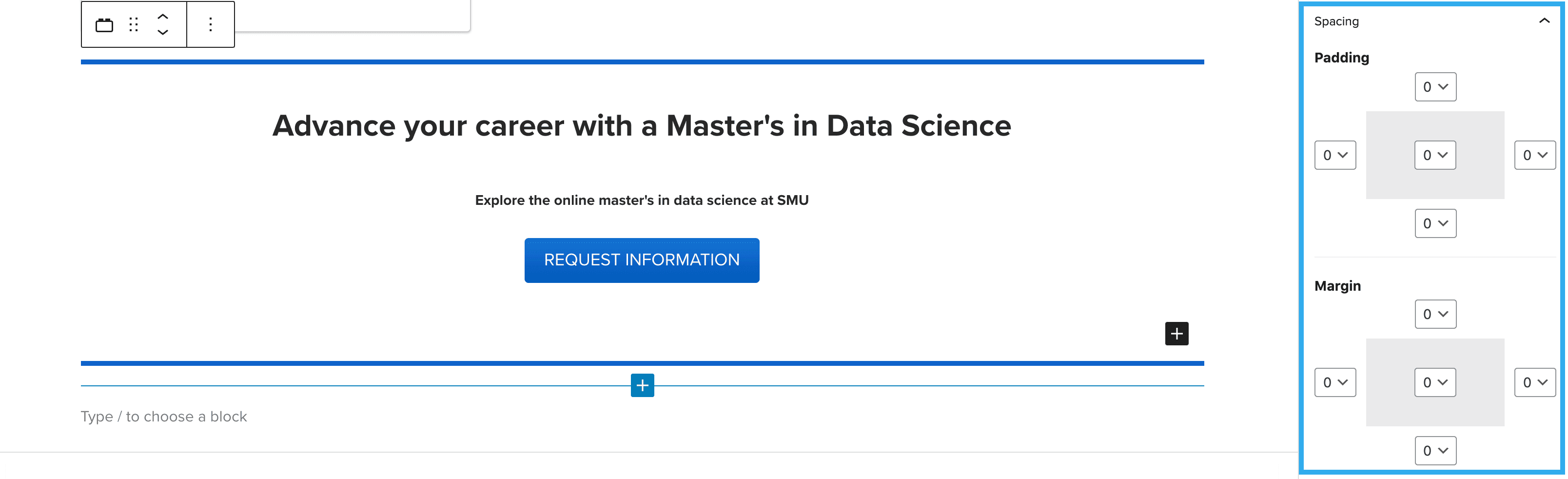
This setting allows you to apply padding and margins to all or selected sides of the CTA block.