


Block Patterns
Block patterns are templated sequences of blocks that can be added to a blank page in the WordPress editor. Adding a block pattern saves time when creating a new page that follows a consistent pattern.
Adding a Block Pattern
- Create a new page and give your page a title
- Click the + icon in the top left corner
- Choose patterns > select your pattern type > select the pattern template
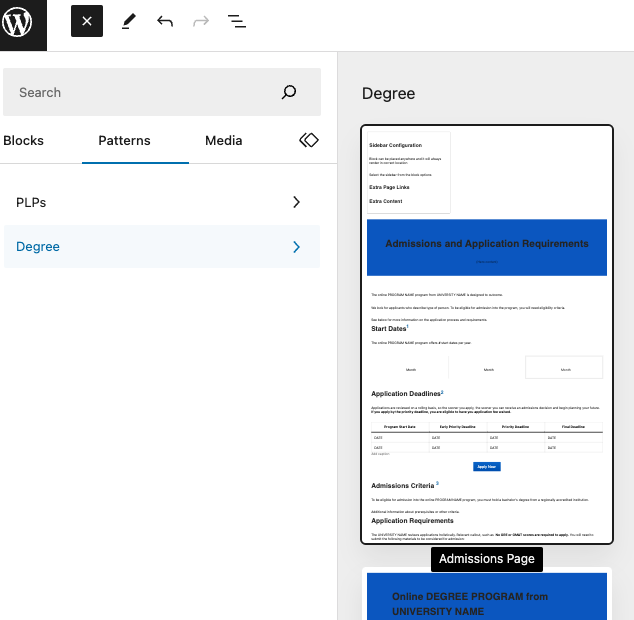
After selecting your block pattern a series of blocks will be added to your page. Many of these blocks will contain placeholder text. Make sure you check each block for placeholder text and update as necessary. Any unnecessary blocks can be removed from your page as normal.
Types of Block Patterns
The Common Page Designs page has several examples of pages that were built based on the designs of block patterns or utilizing block patterns.