Taxi Lead Forms
Inline, Hero & Button Forms
1. Hero Lead Forms
The Hero Lead Form can be inserted inside a Hero Block anywhere on the site. You can choose between the 3 templates which are:
- Homepage
- Inline
- Event Registration
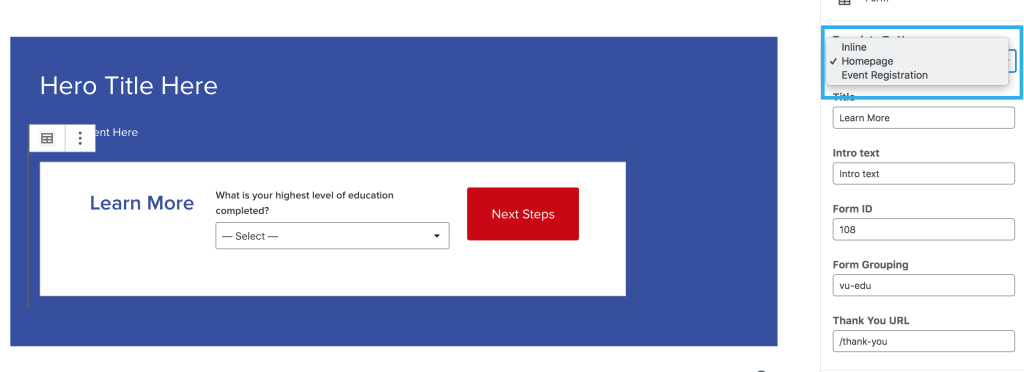
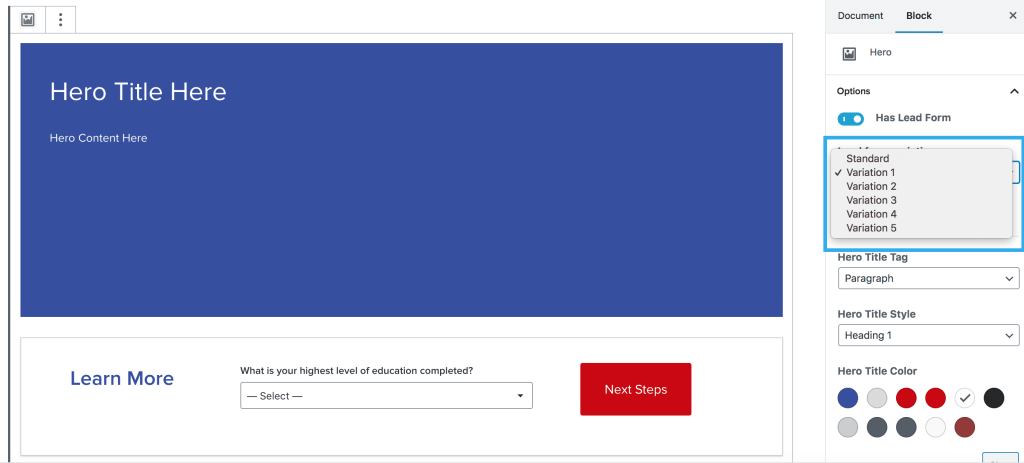
The Hero Lead Form variations have been pulled across from Harmony and integrated within the Hero block, so you can now easily select which variation you would like to use.
2. Button Lead Forms
Using the Button(s) Block you can insert a Button Lead Form anywhere on the site. This will open up the modal element Taxi form.
You can still style the button in any way you’d like, using the integrated button settings and click the toggle for Has Lead Form. The main styles that should be used, inline with Harmony guides are:
Normal Button
Large Button
Small Button
Block Button
Button lead forms can also be used in the form of a Floating CTA Button. These can be added to any page or post, no matter the layout i.e. whether or not the page has a sidebar.
3. Inline Lead Form
The Inline Lead Form can be used on any page across the site. This displays the form within the page, instead of a pop-up modal. These forms will grow or shrink vertically, depending on the length of the questions on each step.
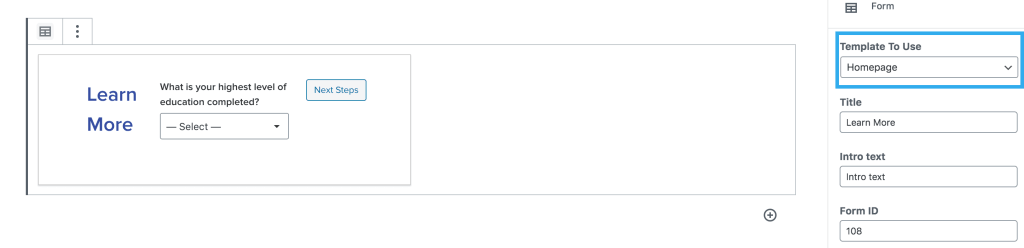
The Inline Lead Form can now be displayed using the 3 different templates (like the Hero Lead Forms). You can now display a Homepage or Event Registration Form anywhere on the site, without using the Hero Block.
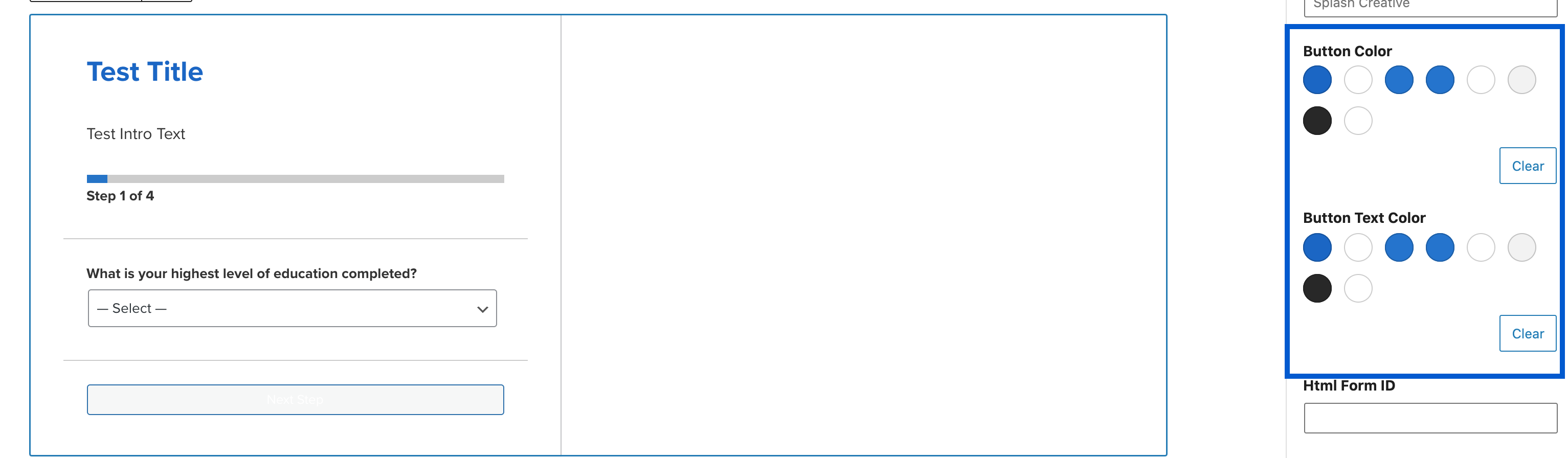
Button override selector
This block has a feature which allows the user to override the button colour.
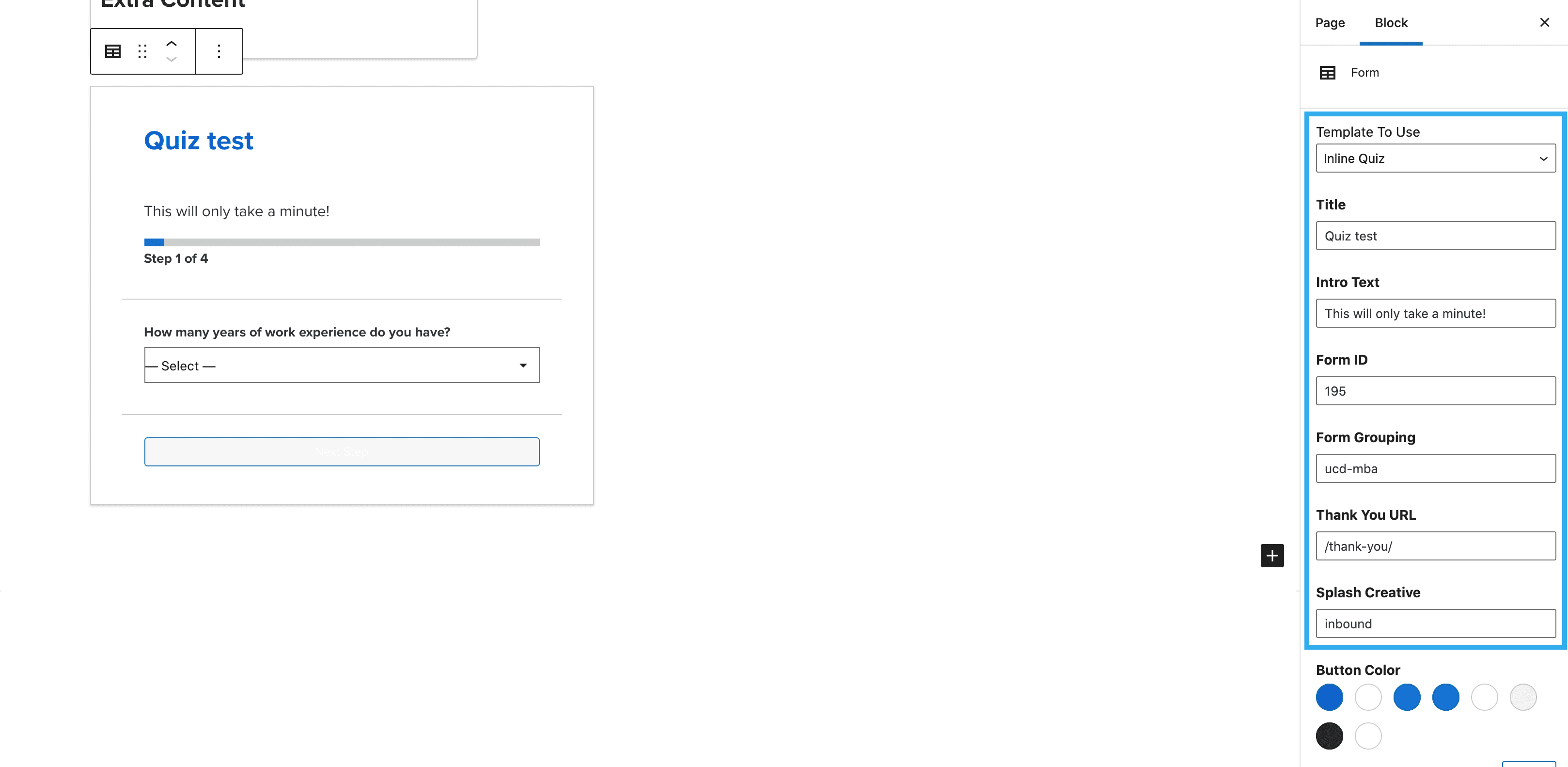
Inline quiz lead form
The inline quiz is another option within the Lead form block. This allows you to ask users questions in a fun and interactive way.