


Query Parameter Block
The Query Parameter block allows you to display different pieces of content based on URL parameters. Some of the features include:
- Ability to dynamically control blocks of content based on query parameters
- Ability to set which parameter the query block would read
- Adds a “contains” option so that you can show content if a parameter contains a given string
- Adds “or” logic so that the same content can be shown for multiple possible parameter combinations
- Ignores capitalisation for keys/values
To insert a Query Parameter block, insert the Query Parameter Container block, like you would any other block into a page and add a Block Label.
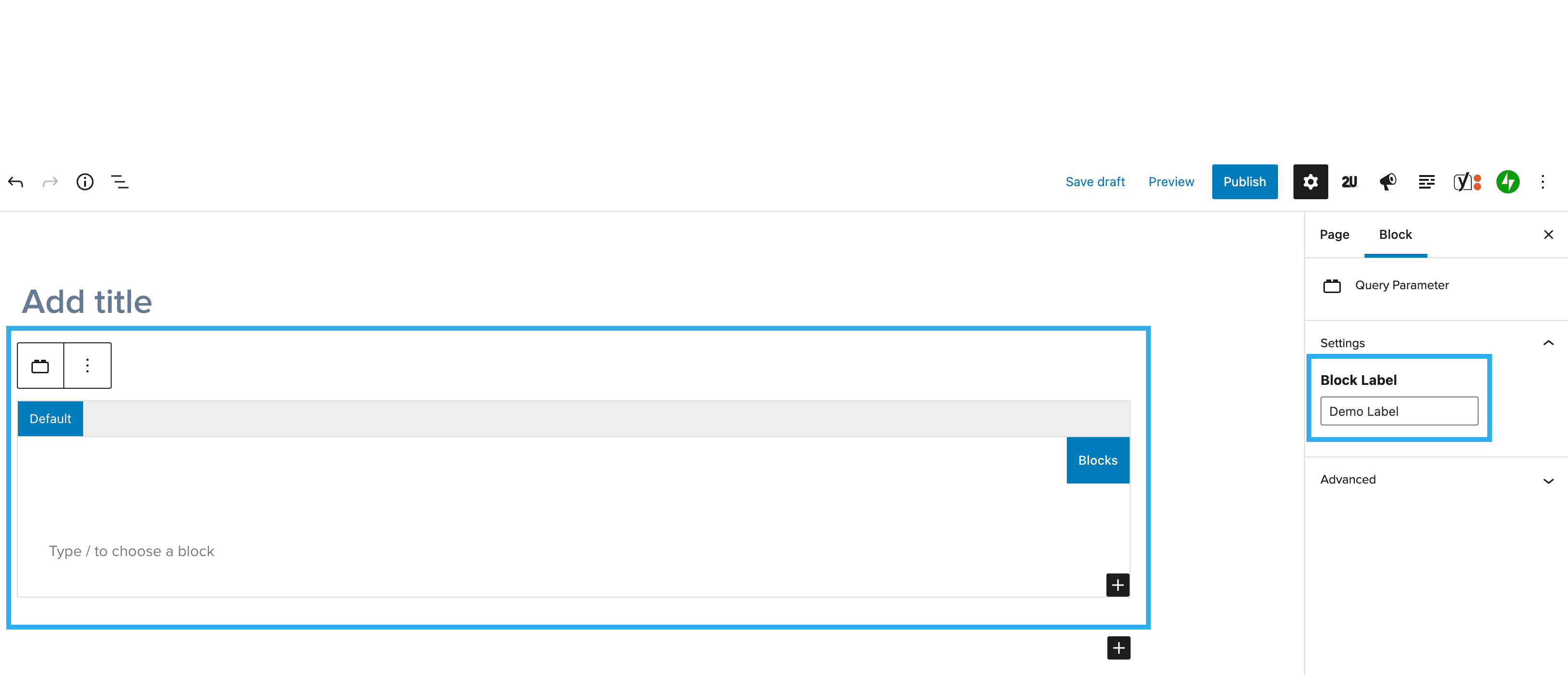
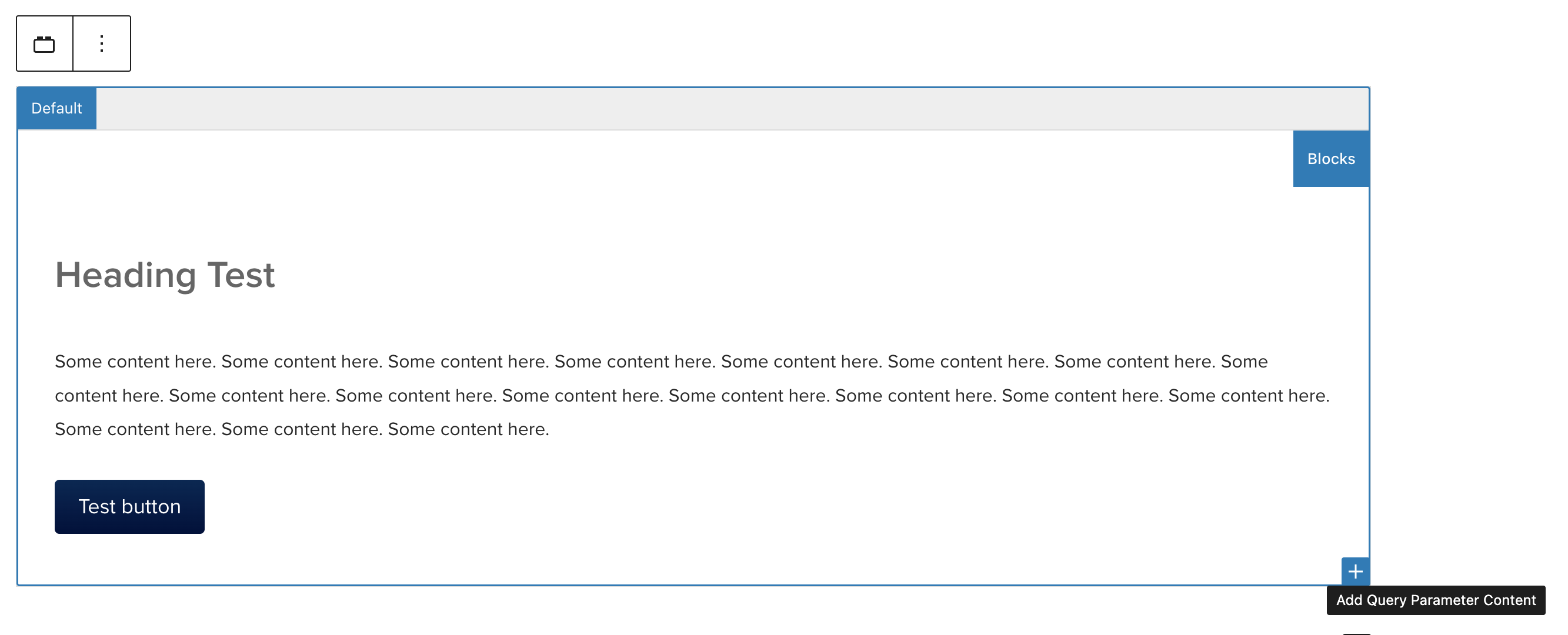
Within the Default tab on the Query Parameter block, add some other generic blocks e.g. Heading, Paragraph, List
Add a new Query Parameter Content block tab by clicking the'+' button on the Query Parameter Container:
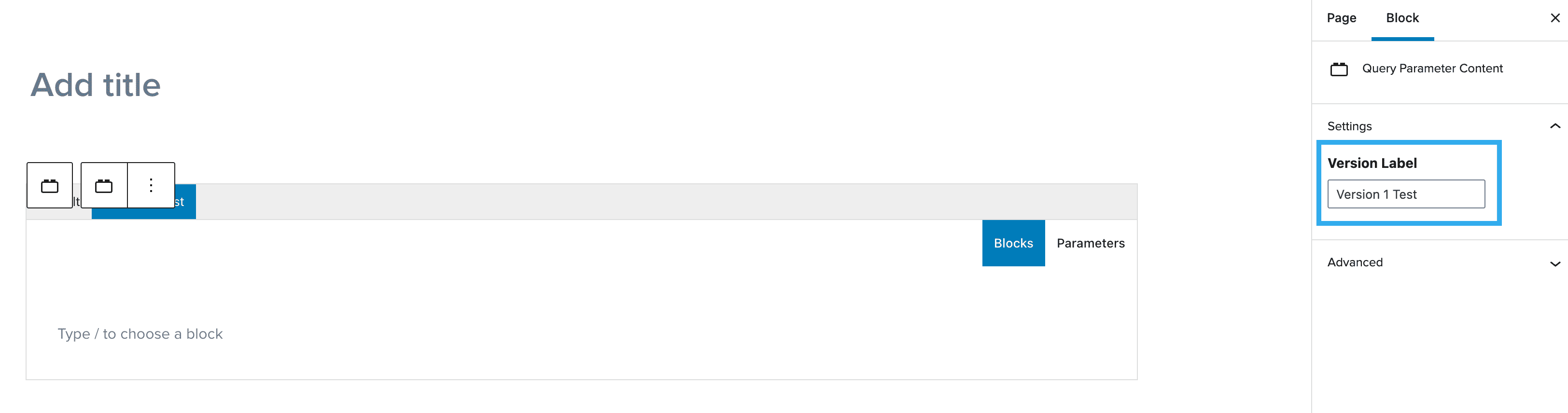
Add a Version Label in the right-hand sidebar settings:
Add an assortment of blocks inside the new tab:
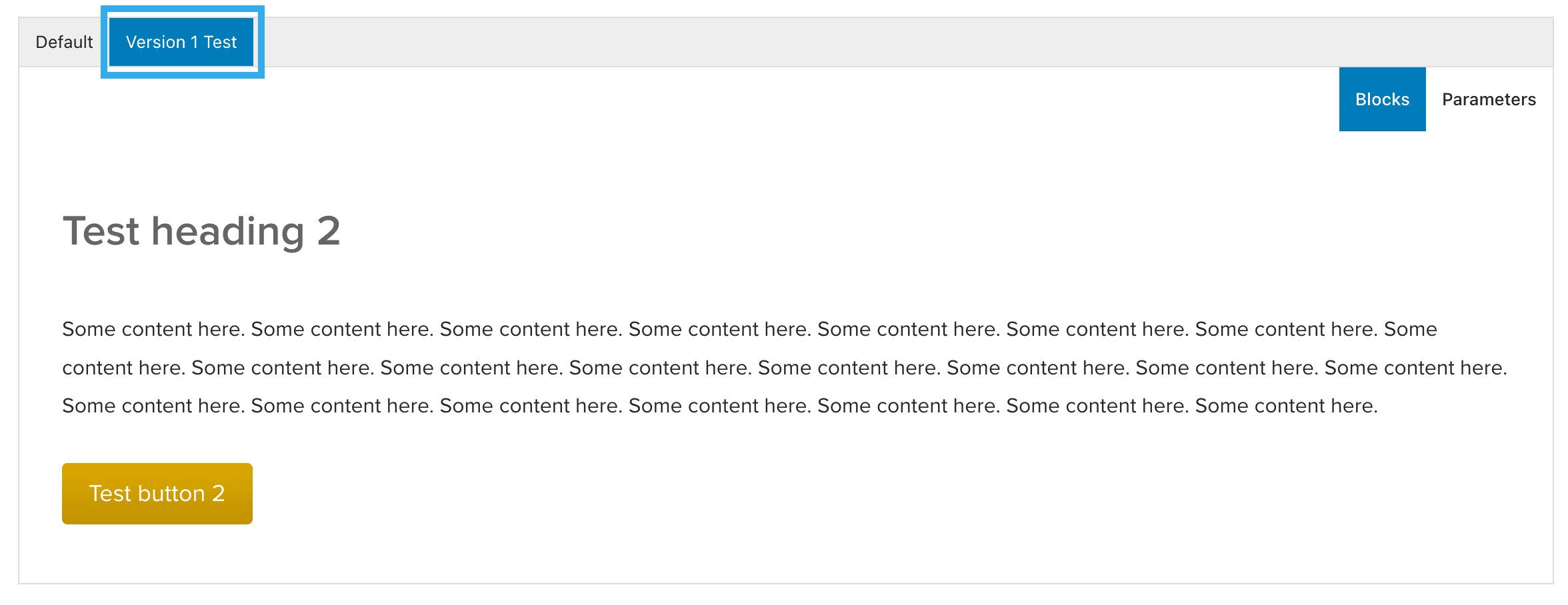
Click the Parameters tab, this will show you a mixture of settings, as seen below:
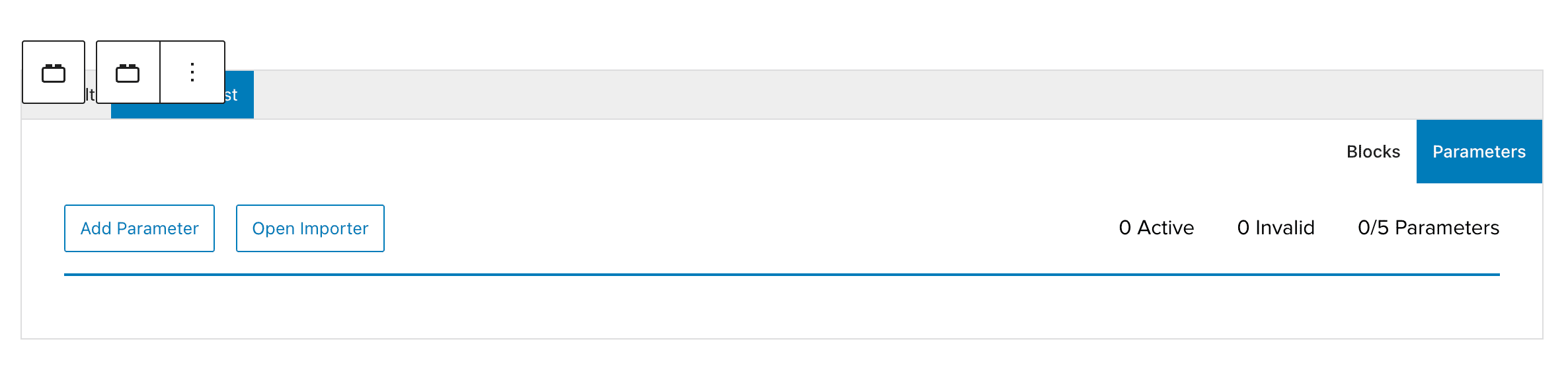
Repeat the above steps again as many times as you need and Save the page.
When viewing on the front-end, you can use the URL parameters created, to switch out the content.