Paragraph Block
Similar to the heading block you can apply a heading or display style to your content using the styles drop-down, but still output your text as p, span or div.
You can also override the HTML tag by using the tag setting on the right-hand menu.

Text Decoration Settings
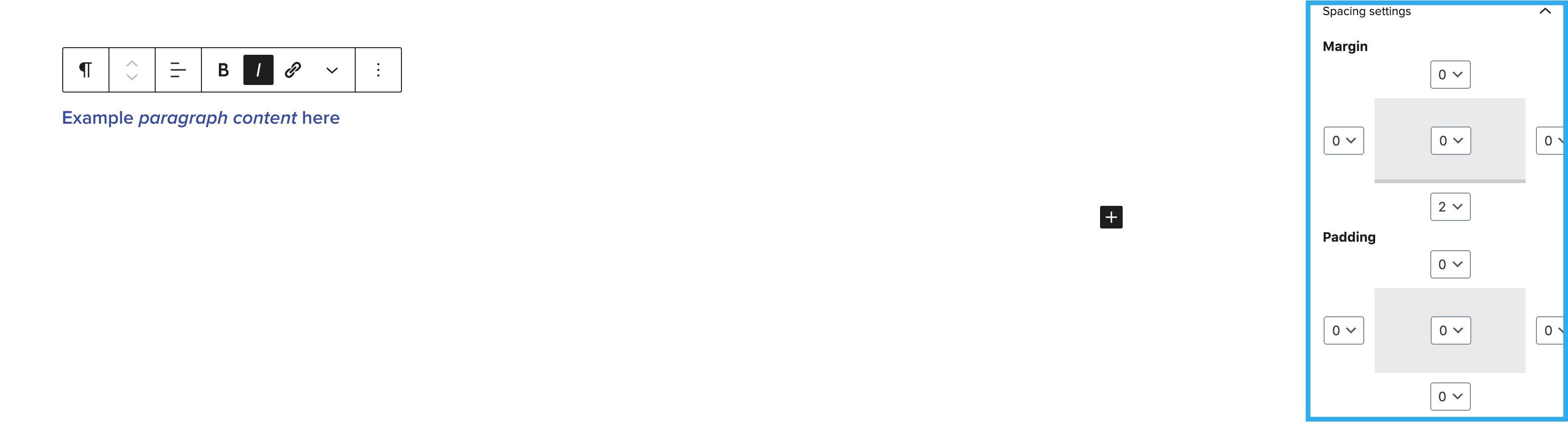
Within the paragraph block, you can also apply standard text decoration to highlighted text including bold and italic.

Text Styling and alignment
Paragraph text can be styled using the options panel on the left of the page or using the toolbar dropdown [▾] within the block.

Text alignment can also be changed using the block tool bar:

Note: for UX purposes when a style is selected you will be able to clearly see which one is applied within the toolbar dropdown
Text Colour Setting
You can override the text color by using the text color setting on the right-hand side.
Note: this block also has the ability to change the colour of selected text or word within the same paragraph

Spacing
The spacing settings allow you to alter the margin and padding around paragraph. Each side of margin and padding can edited independently from one another and can be previewed in the settings panel: