


Image Block
The image block allows you to insert images from the WordPress Media Library, or upload new images to the site to use on pages.

Alternative Text Field
The alternative text (alt text) field allows you to insert an alt tag for any image you upload.
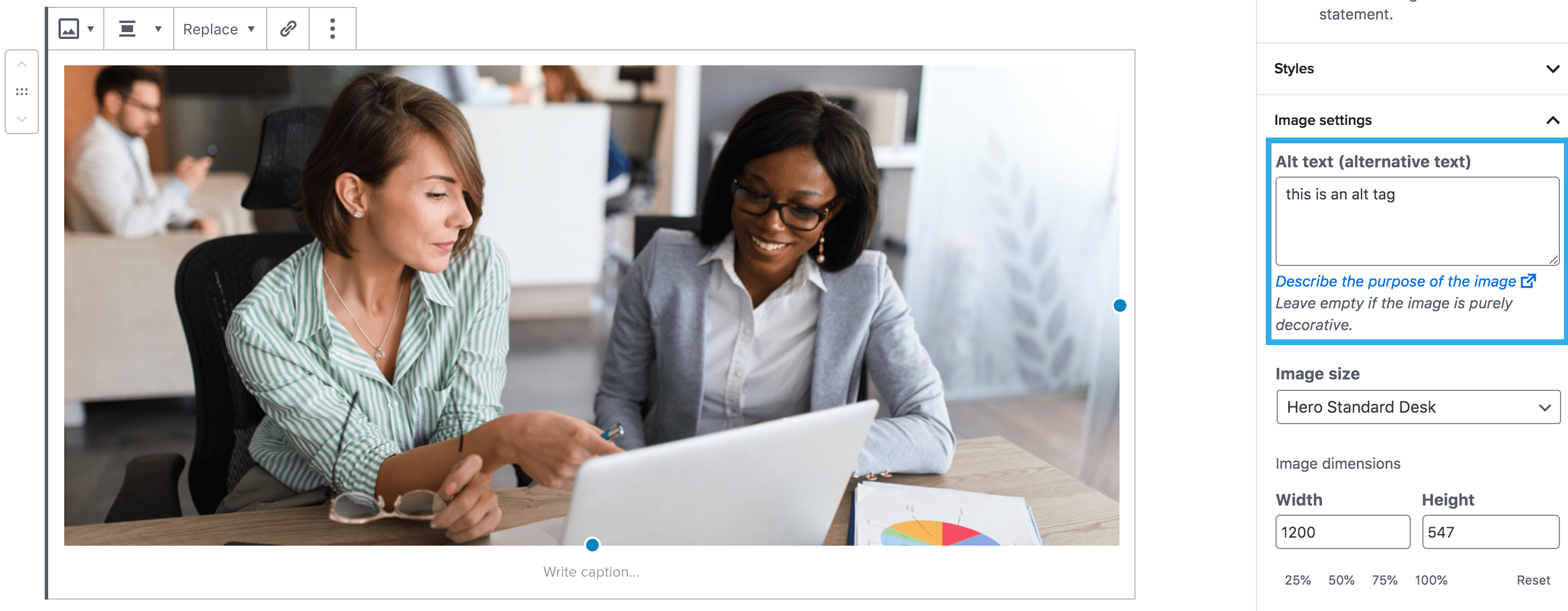
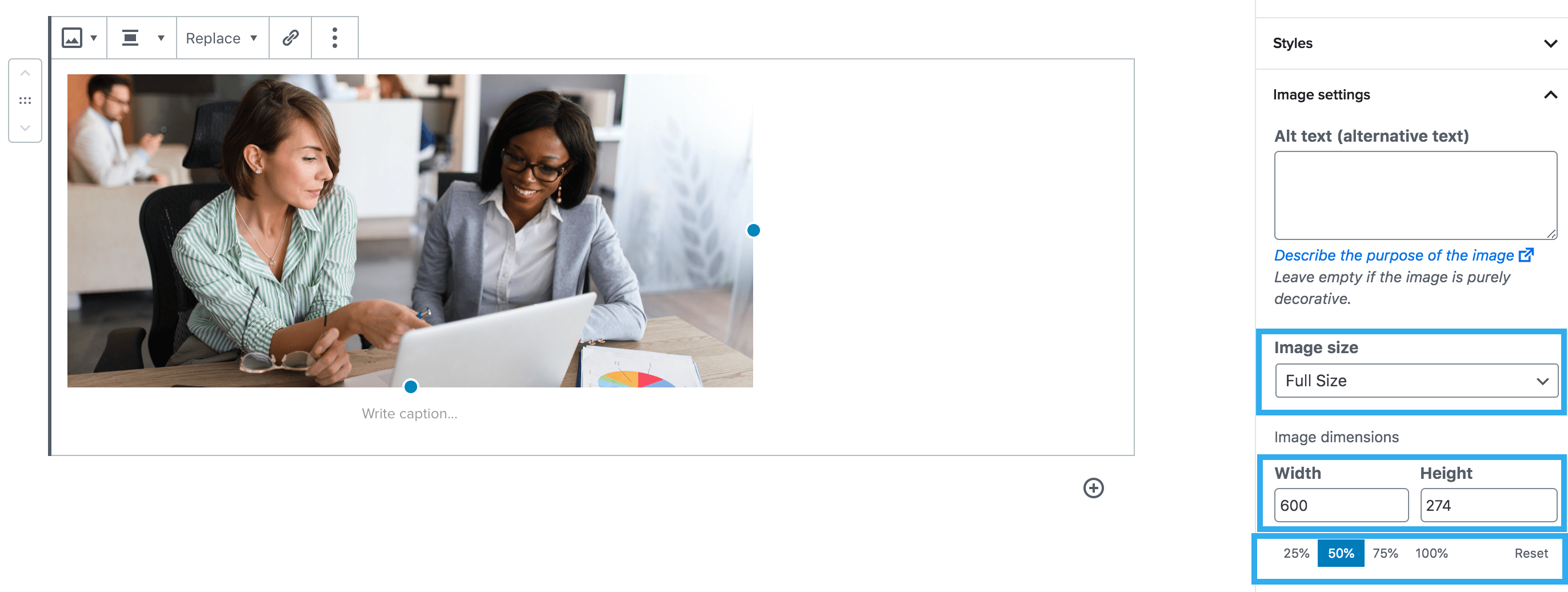
Image Dimensions Settings
There are multiple ways in which you can adjust the dimensions of your uploaded image. You can use the settings within the image block to display your image in different ways. You can either use the image size drop-down and choose from preset dimensions or you can use the width & height or % settings to create custom dimensions.
2U Image block
This image is no longer used. However, older pages may still feature this block. For more details about the 2U image block see the documentation here.