Footer Override
The Footer Override block enables the ability to hide the footer so that custom footer can be added in its place.
How to use
Insert the Footer Override block at the top of your page by typing /Footer or selecting it from the block menu. This will then allow you to override the global settings and create a custom footer on a specific page/pages.
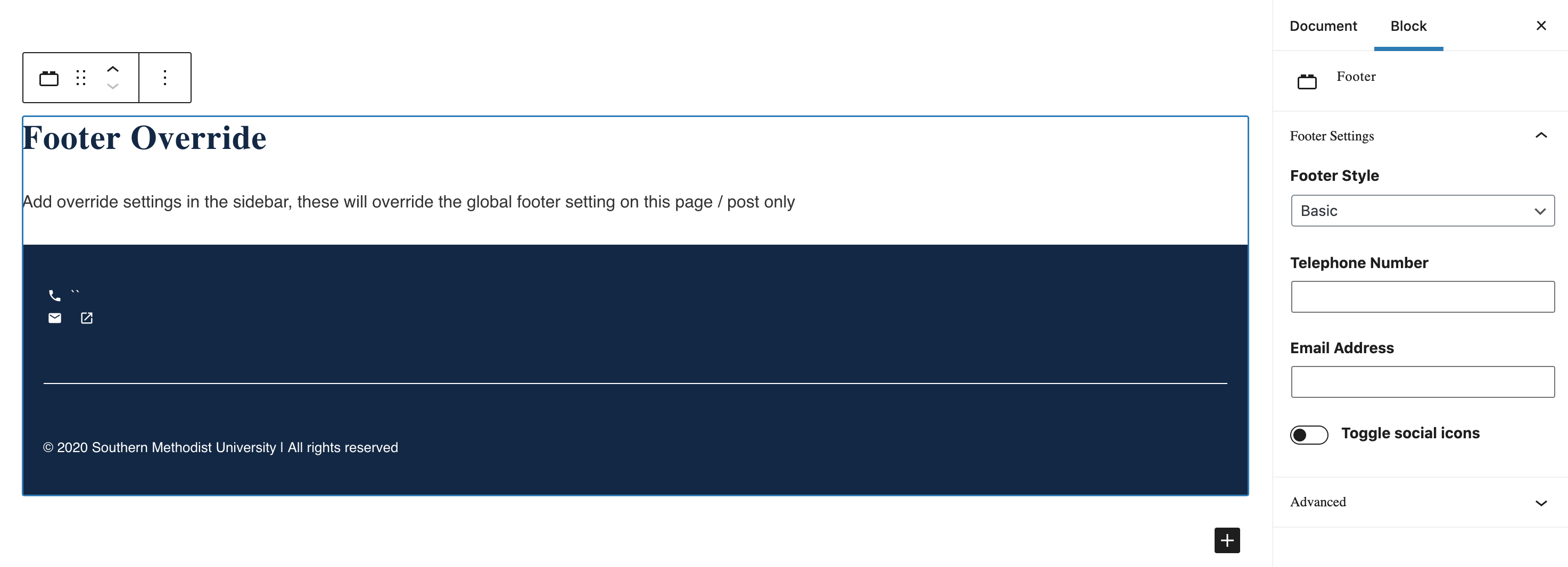
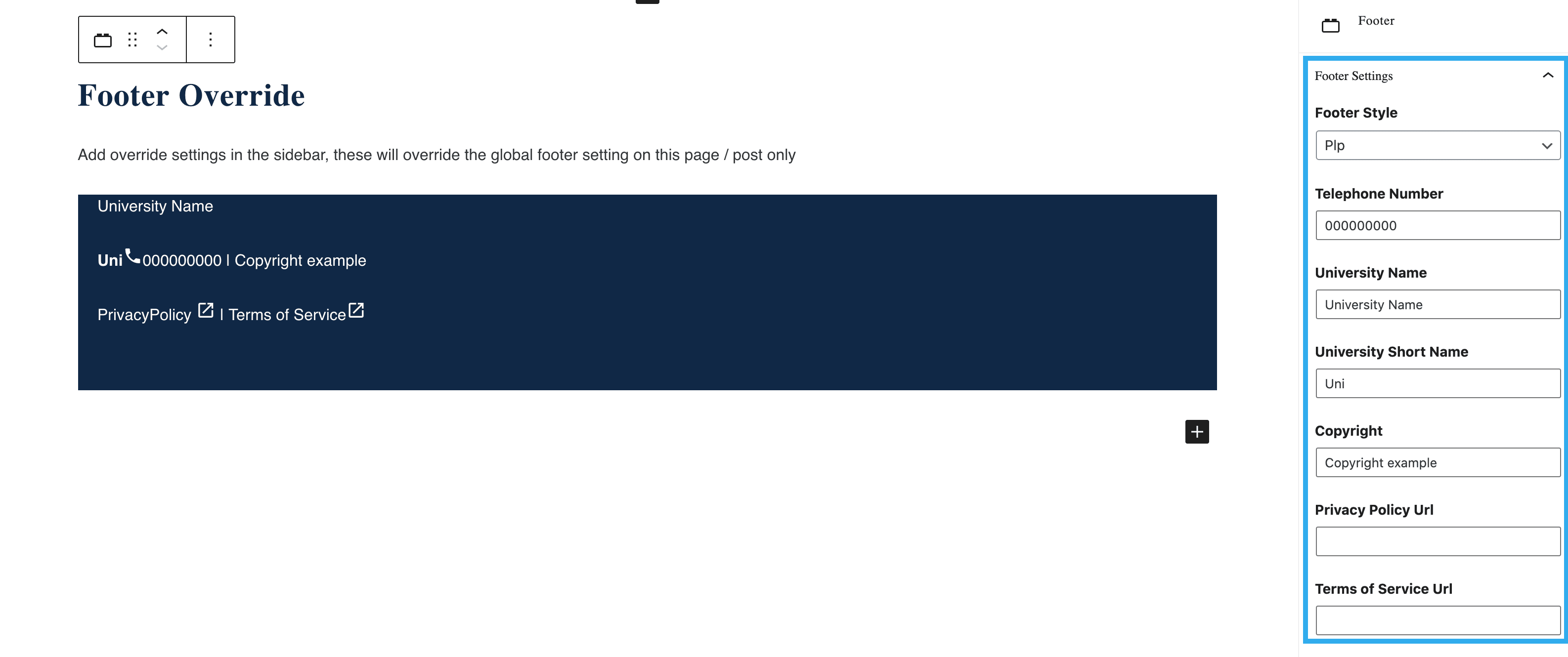
You can choose from either Basic or Pip. The Basic option allows you to alter the Telephone Number, Email Address and Social Icons (toggle on or off). The Pip option enables you to change Telephone number, University Name, University Short Name, Copyright, Privacy Policy URL and Terms of Service URL.