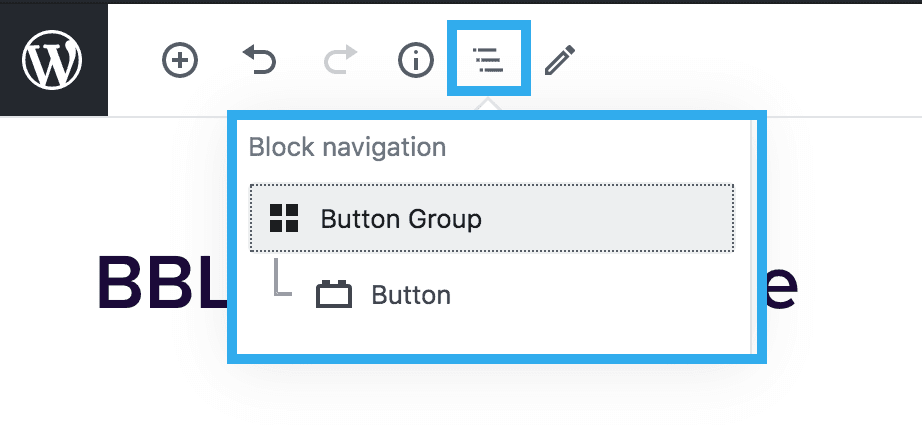
Button(s) Block
The Button(s) Block can be used anywhere on the site and within mostly every block. There are many uses for the button block, as these can be placed statically to link through to pages or external links, as well as open Taxi Lead Form Modals.
Below are the different style variations that are available within the button block:
Button Amount Setting
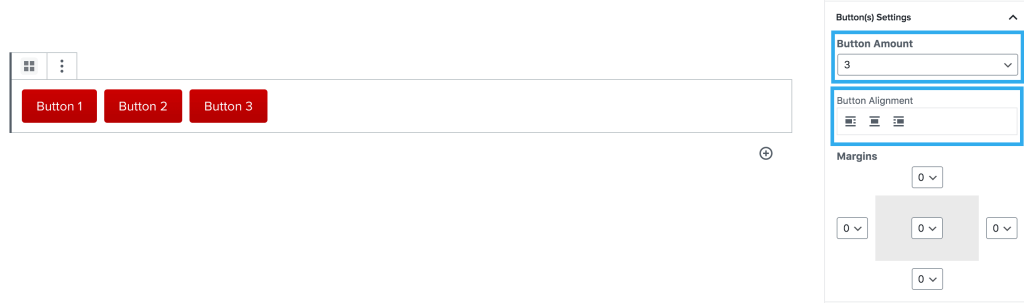
This setting allows you to have up to 3 buttons side-by-side on a page. You can adjust each button’s style individually and set links for each button too. You can also adjust the alignment of all 3 buttons together.
Note: on mobile view, multiple buttons in a row will stack automatically with margin between them.
Margin Component Setting
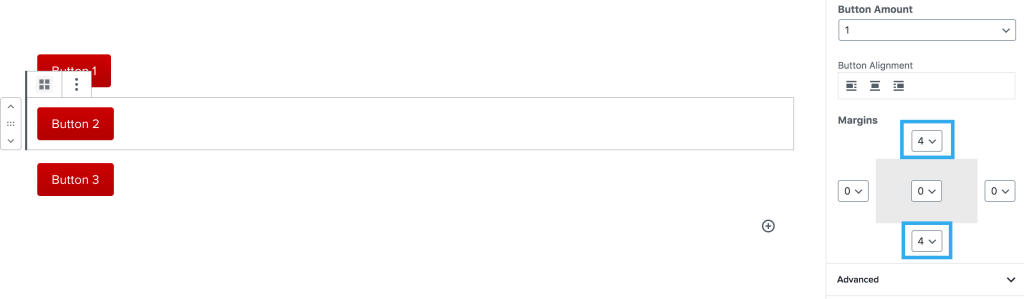
This works the same as all other blocks with this setting. The margin will default to 0 on this block, but it is always worth adding margin to the top & bottom of the button block to separate them from the content above / below.
Colour settings
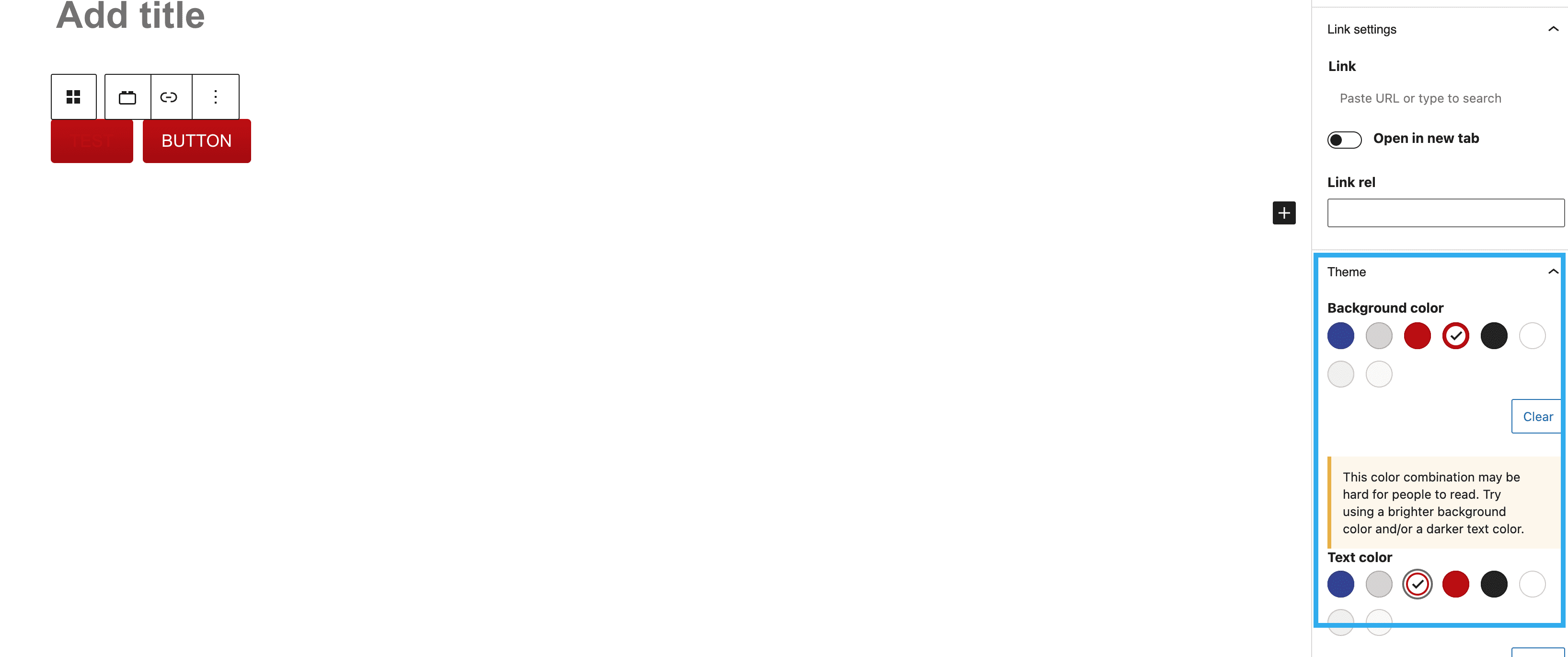
This block has the ability to customise the background and text colours on each button, independently from one another.
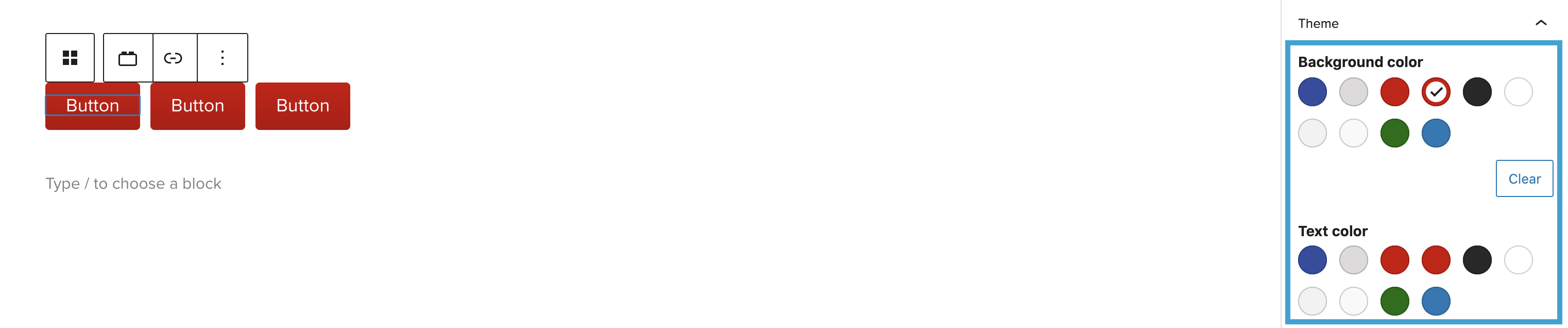
The Button block also includes a feature which triggers an alert should the background and text colour combination not meet the minimum colour contrast.