Header Override
The Header Override block enables the ability to hide the top header bar so that custom header can be added in its place.
How to use
Insert the Header Override block at the top of your page by typing /Header Override or selecting it from the block menu. This will then allow you to override the global settings and create a custom header on a specific page/pages.
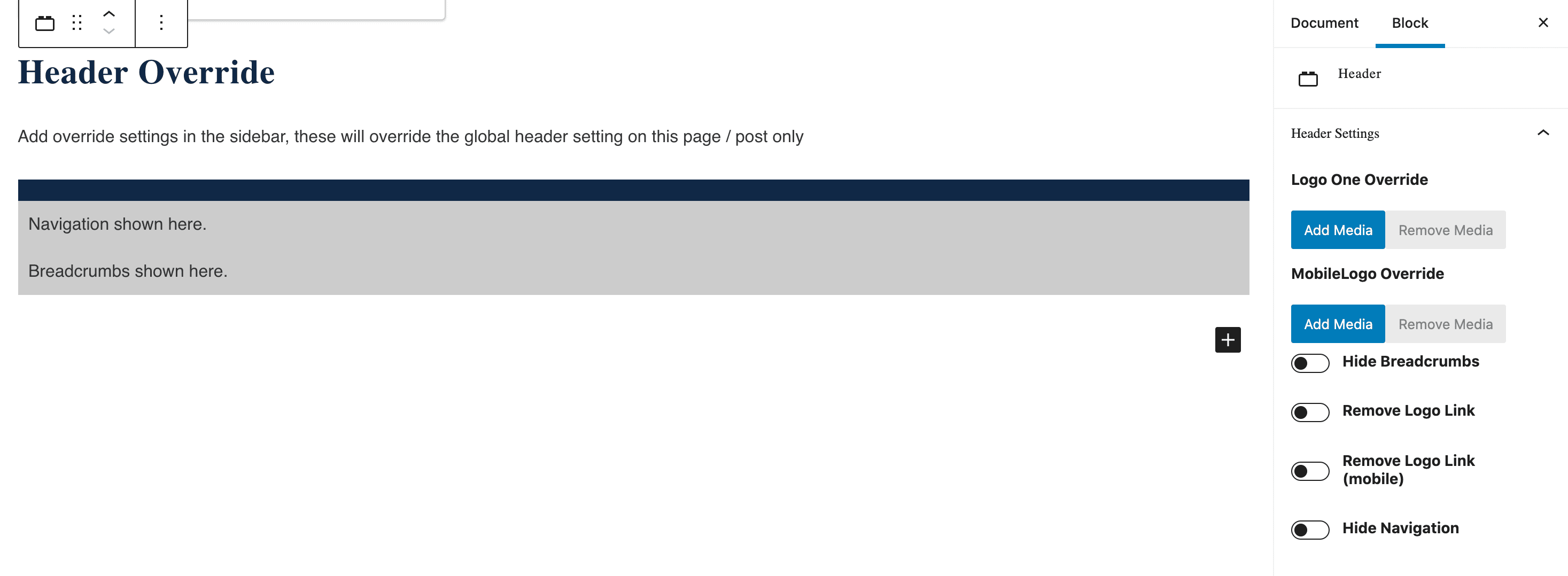
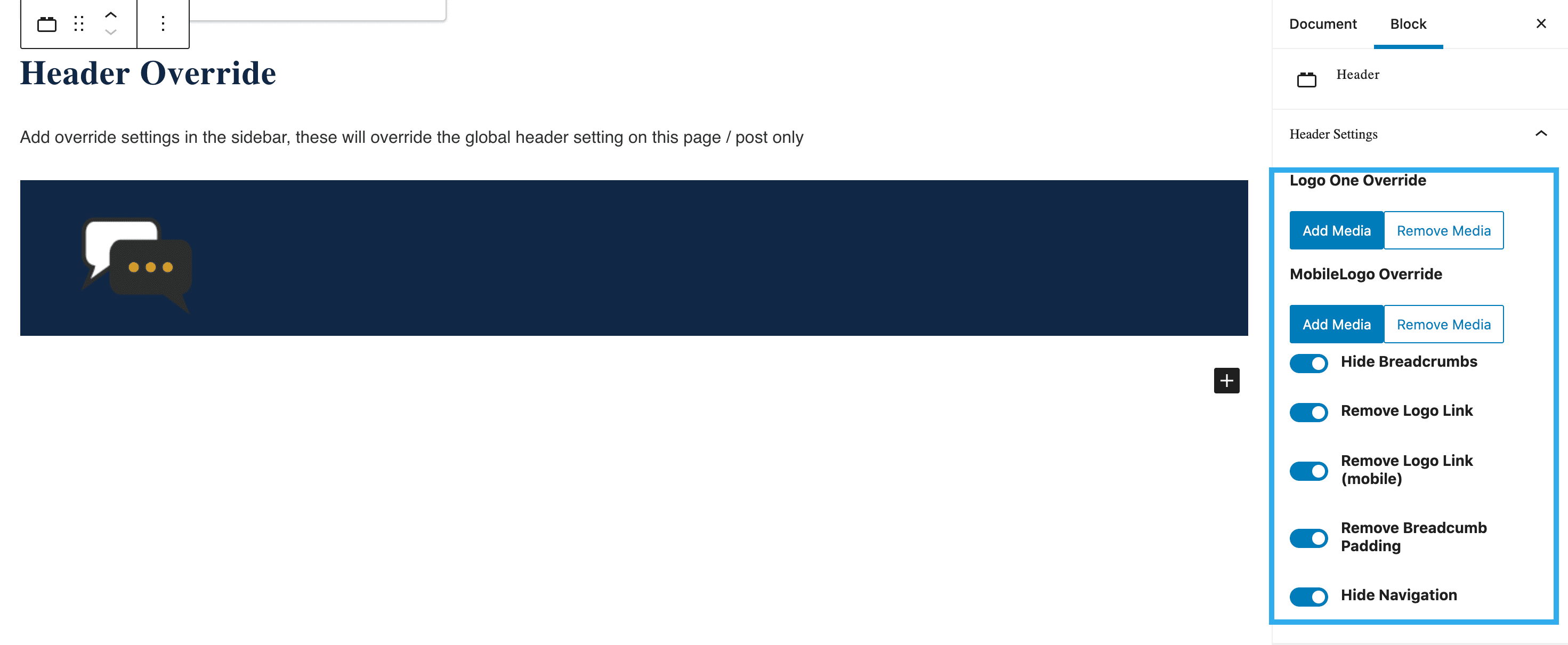
Using the settings in the side bar will customise the header, by adding media in replace of the logo, this can be different on desktop and mobile. This block also allows the ability to hide breadcrumbs, remove logo link on desktop and mobile, remove breadcrumb padding and hide the navigation.
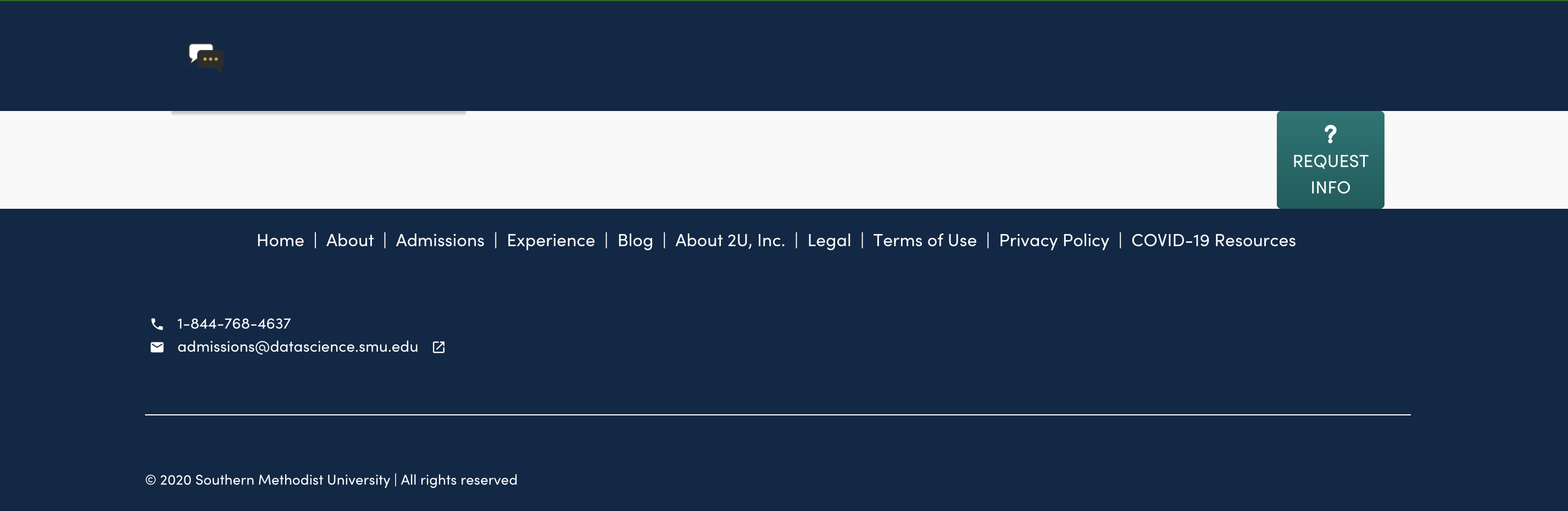
Below is an example preview of what the page would look like with the above settings in place:
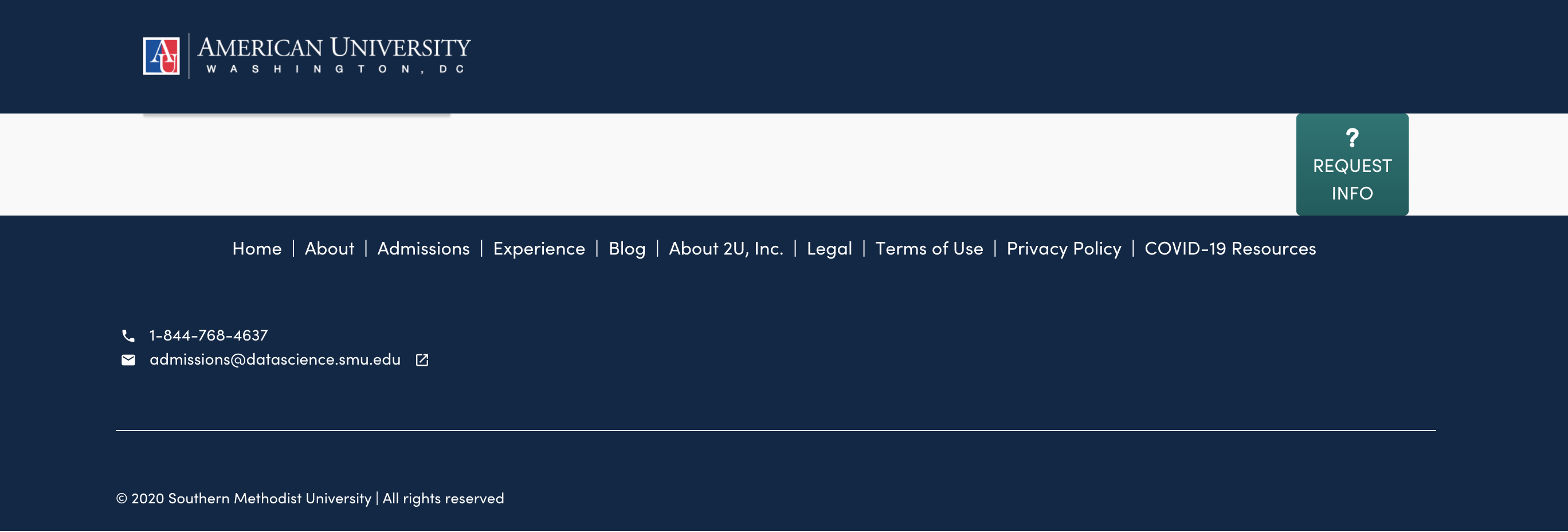
Page without the Header Override block being used: