Stats Block
The Stats block allows you display multiple stats in a clear and eye catching way.
How to use
Firstly select the Stats Container block by typing /Stats Container or selecting it from the block menu. You will then need to decide how many stats you wish to display in a row, the options are 1-5.
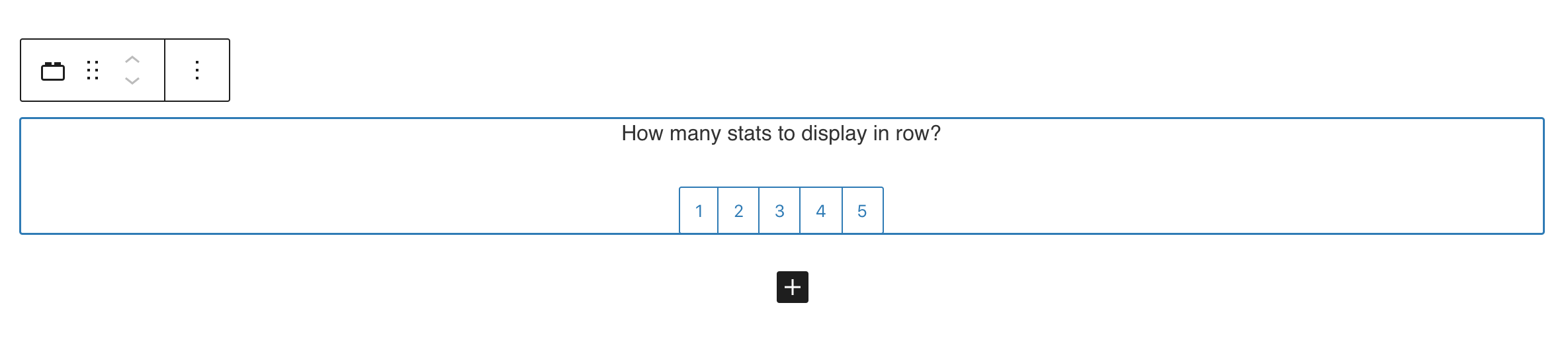

Once you have selected how many stats you want to display you can insert any value and information you require on the page (see above). These can then be edited independently from one another.
Colour settings
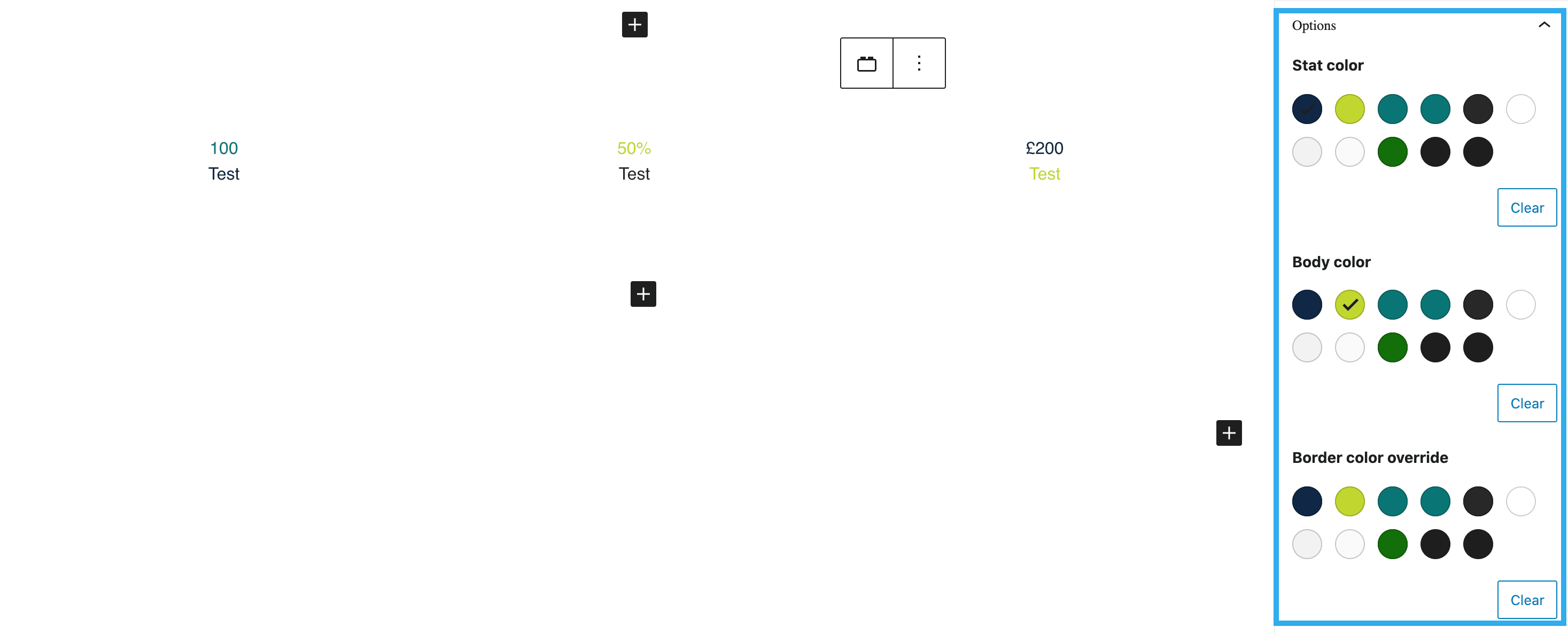
Each stat container can be customised separately. The colours can be altered in the options panel, including the Stat colour, Body colour and Border colour override.
Text Customisation
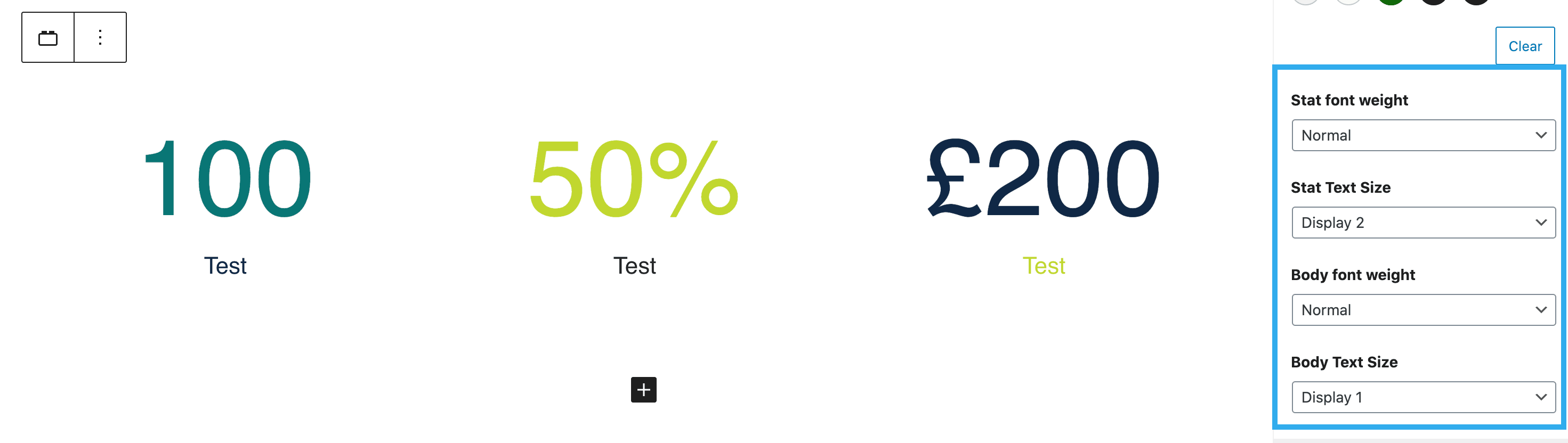
The stat and body font weight and size can also be customised separately from one another. The weight includes light, normal and bold. The font sizes range from Display 1-6, Heading 1-6, Paragraph and Default.
Border styles and Margins
The stat container is also customisable with border options. You can choose from Grid or Circular, plus choose your desired colour.
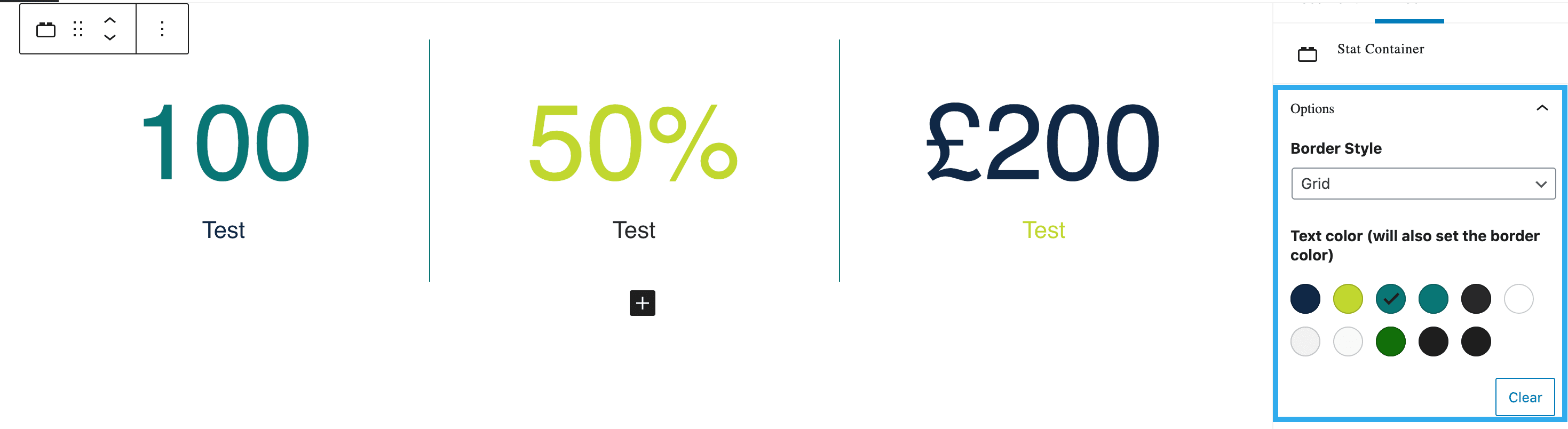
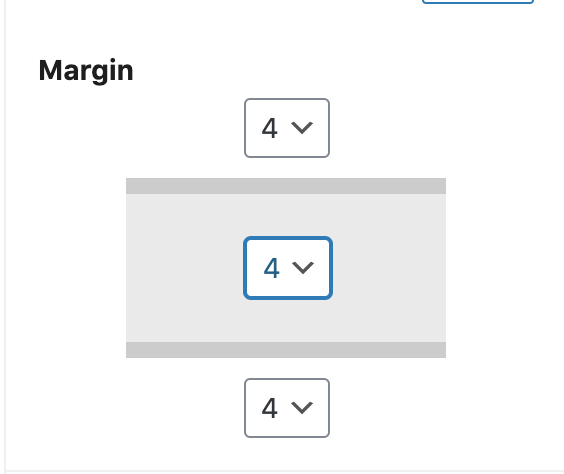
There is also the option to add margins above and below the Stat container, raging from 0-8.