


List Block
The list block allows you to create structured ordered or numbered lists with different styling options.
- Item 1
- Item 2
- Item 3
- Item 4
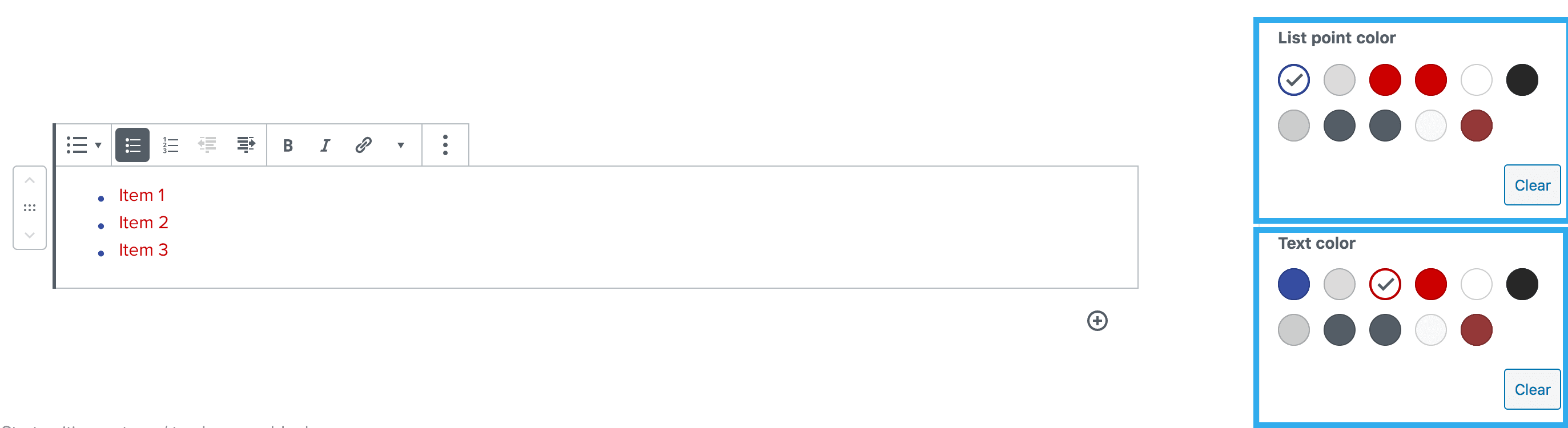
List Point & Text Colour Settings
This setting allows you to select the colour of the text and bullet point or number of your list.
Reduce Indent Setting
This setting allows you to reduce/remove the indent that is set by default on the list bock.

There is also the ability to center a list within section
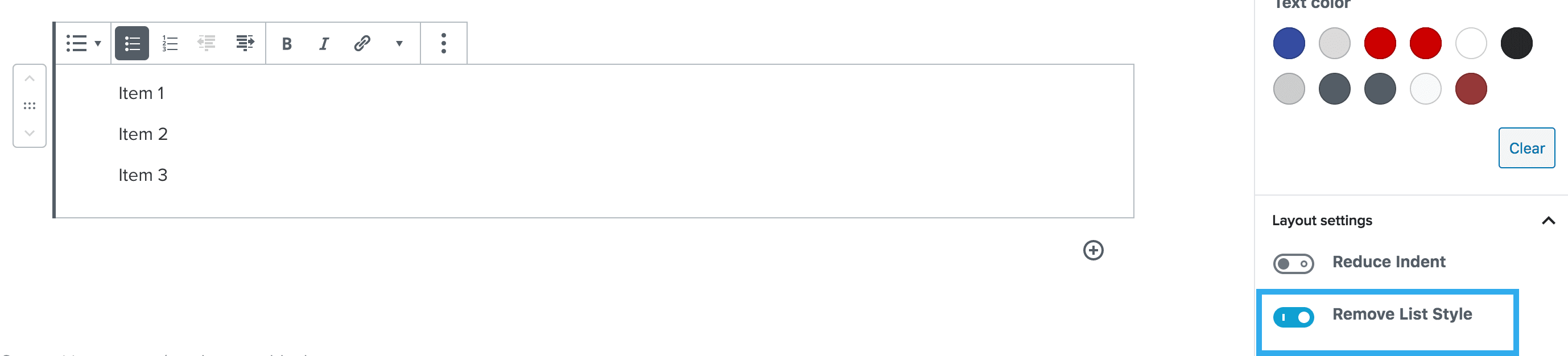
Remove List Style Setting
This setting allows you to remove the styling of the list i.e. the bullets or numbers, but still sets the content out in a list format.
Column Count Setting
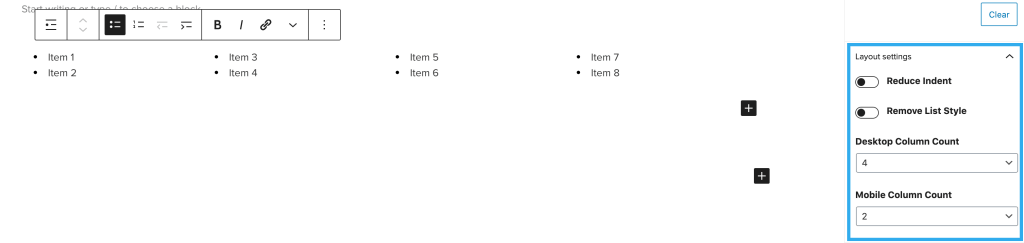
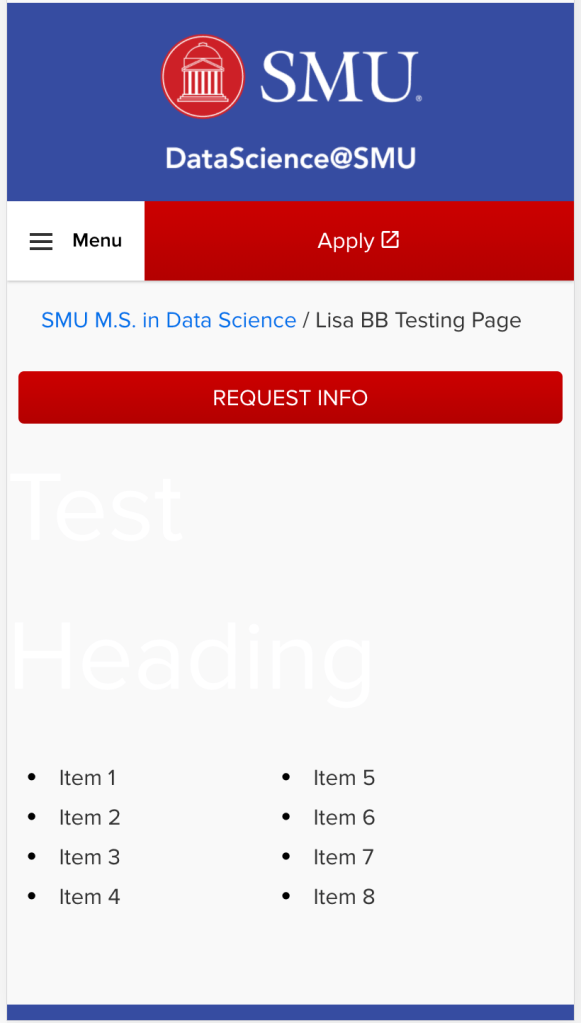
This setting allows you to structure long lists into columns. This can be varied between desktop and mobile view.
Note: the maximum number of columns is currently set at 4
List Margins and Padding
This setting allows you to add margins and padding to your lists. This is done by altering the number dropdown in the customisation panel.
